

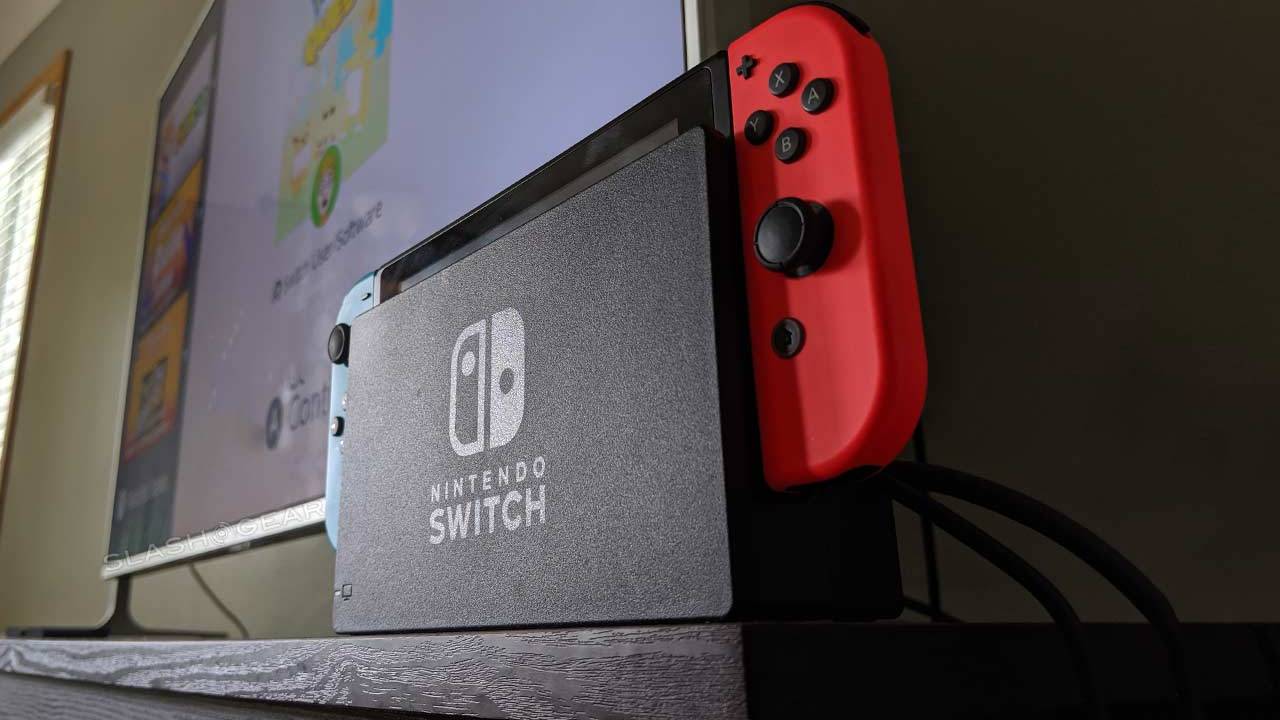
When you feel confident that you have mastered the art, the first thing you have to consider is how to portray your art to the world. The best way to do this is to stream your potential using some of the best social media platforms. Don’t you want your work to get appreciation by millions of other users? See how to live stream on different social media platforms like Facebook, and YouTube, to showcase how talented you are. Streaming your live gameplay on the most popular web platforms like twitch could be a great way to share your skills and entertain many people. Not, only your friends and family members will get to see how you are acing the game but also you could earn some fans too. Likewise, if you have grasped the skills of your favorite Nintendo Switch games and want to know How to stream Nintendo Switch games on twitch, then this article would be of so much help to you for sure. Streaming on different social media platforms varies a bit. Here, you will see complete step by step guidance on how to stream Nintendo switch on twitch:
Can you stream Nintendo switch on Twitch?

Other Gaming consoles like Play Station 4, Xbox one have the feature to connect to twitch directly, but those on Nintendo Switch do not have any direct option for this. You have to use other tools to stream Nintendo Switch games on twitch. But it should be clear that Nintendo Switch lite does not support any streaming using usual means. It is because Nintendo Switch lite is designed for handheld use. This small gaming system does not possess many features and hardware that is essential to stream on external sources. Like the Nintendo Switch original, this lite version does not have any internal hardware that allows visual outputs, which means you cannot display your Nintendo switch lite gameplay on any streaming platform.
How to Stream Nintendo Switch: What You will need to stream Nintendo Switch on twitch?
Here is the list of items you will need to stream Nintendo switch on twitch.
Game capture card:
The capture card is needed for the console to avoid the restrictions that are cited on some features and tools. Those capture cards that support 1080p resolution and around 60 frames per second are well supported by OBS Studio. Elagato is one of the famous names that manufacture Elagato Game capture HD60 S, mostly used to stream gameplay on twitch.

Computer:
You need to have a good computer system whether it be a macOS or Windows 10. It is better to have a good processor in your system (intel i5 and 8 GB RAM at least) so that you can stream on a high resolution without any laggings.
WebCam:
A webcam is necessary if you want to broadcast your expressions and footage too while playing the game. Otherwise, it is an optional requirement. So, try to use a better camera if you want to cast your footage.
Open Broadcaster Software Studio:
OBS is a free open-source streaming platform. You need to have this software downloaded to your macOS or Windows PC. This is free software and you can download it from its official site. OBS can connect your switch to twitch for a latency-free live streaming experience.
Head Sets and Microphone:
A Great Headset complementing the best microphone is no less than a great game Streaming, for great sound quality could be so helpful while conveying your expressions vocally to your Audience.
How to Setup Nintendo Switch for live stream:
Before we get started first we have to learn how to set up the system to know how to stream Nintendo Switch.
- Make sure that you have to dock your Nintendo Switch and connect the HDMI cable to both Nintendo Switch and Elgato game capture card HD60s.
- Now, connect another HDMI with the output of the Elgato game capture card HD60s and the input of your Monitor.
- Now, plug your Elgato game capture card HD60s into your PC using a USB cable to feed the footage into OBS studio.
- Then, launch the OBS and connect the platform you want to broadcast your live gameplay.
- Now, configure the box and adjust its size accordingly.
- Finally, Go live and start streaming
How to Stream Nintendo Switch on Twitch:

After you have successfully downloaded the OBS, now you have to link your twitch account with the OBS studio.
- Sign in to your twitch account and head to the dashboard
- Now, tap on your profile icon and head to Account Settings.
- Click on the Channel and videos tab.
- There appears a section named Primary Stream key.
- Once, you locate it, now click on the copy option and copy and paste it on your clipboard.
- Now, head to the OBS studio and go to Files> Settings> Stream, and check if twitch is selected.
- Now, paste the key you have copied from twitch and press ok.
- Finally, you are ready now to broadcast and share your stream on OBS studio.
You can also use your Nintendo Switch as your media source
- Right-click on the screen and in OBS Studio and click on ADD>Select Video Capture Device
- Now, name the layer in a descriptive manner. Every layer should have its own descriptive name.
- You’ll see the dropdown menu, now locate your capture device and select it and press okay.
- In OBS studio, there appears a box showing footage of your streaming of Nintendo switch.
- If you want to cast your audio in OBS studio, then you will need to connect your headphone. Once they are connected they could easily be detected, you can adjust the volumes accordingly.
- To broadcast your expressions while playing the game, make sure your webcam is connected, then head to the OBS studio right-click anywhere on the screen, and click on ADD> Select the Webcam from the Video Capture device Drop down menu.
Conclusion:
Now you have an idea of how to stream Nintendo Switch on Twitch. If you want us to tell you about streaming Nintendo Switch on other Social media platforms or if you have any queries regarding this you can connect with us in the comment section below.
