


Sharing a personal phone number while creating an Email account can be uneasy for some people. Mostly phone numbers are required for email verification, recovery, or two-factor authentications. However, various Email providers don’t ensure security due to weak protocols. In this instance, the secure option is to create Email account without phone number.
Email is more protected for communication than a phone number. So you can communicate throughout the world through a new Email account. If you are curious to create an Email account free, stay tuned!
How to create Email Account without phone number – Methods
It’s adventurous to create new Email account without phone number. Although, below are methods for making a free Email account.
- 1st Method- Create Email account without phone number on a Mobile/Android
- 2nd Method- Create new Email account without phone number on a Desktop
Method 1- Create Email account on a mobile
Well, creating an email on a mobile is different from a desktop. So, let’s start with a step-by-step guide.
- First and foremost, you need an email service provider like Gmail, ProtonMail, Yahoo, etc.
- Moreover, open the email app to create an email on mobile.
- Now access the button Create Account and click on it.
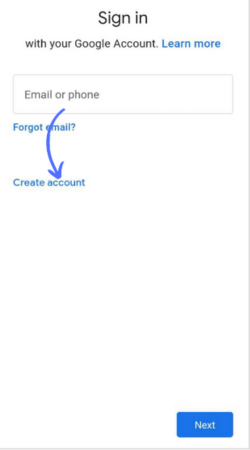
- After that, fill in the personal information (Name, date of birth, and gender)
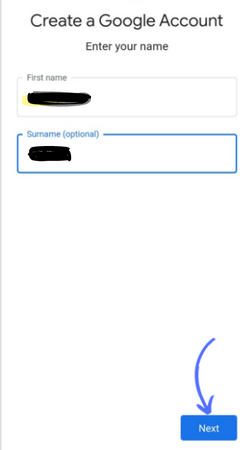
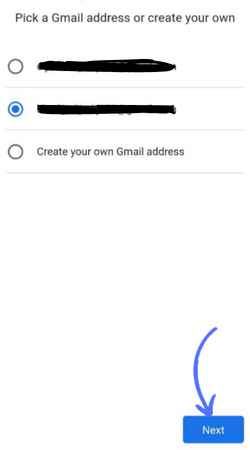
- Choose your desired Google account/Email and click on Next.
- Furthermore,skip the verification option here. You don’t need to add a phone number here. You can add another Email account if you want to verify Email without a phone number.
- Now, enter the strong password and click on next.
- Click on the I agree after reading the Google terms and policies.
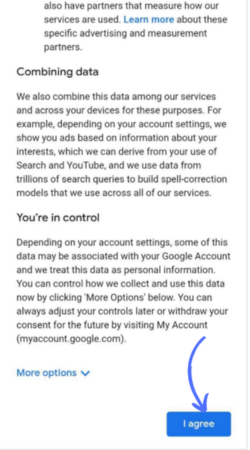
- Your email account is successfully created through the email services provider.
I hope these steps are helpful for you.
Related Post: How to create a Gmail Account without phone number
Method 2- Create an Email account on the Desktop
If you want to create email account without phone number on a desktop, follow the below steps.
- Open your desktop and access email service providers (Yahoo, Tutanuta, protonMail, etc.) to create email.
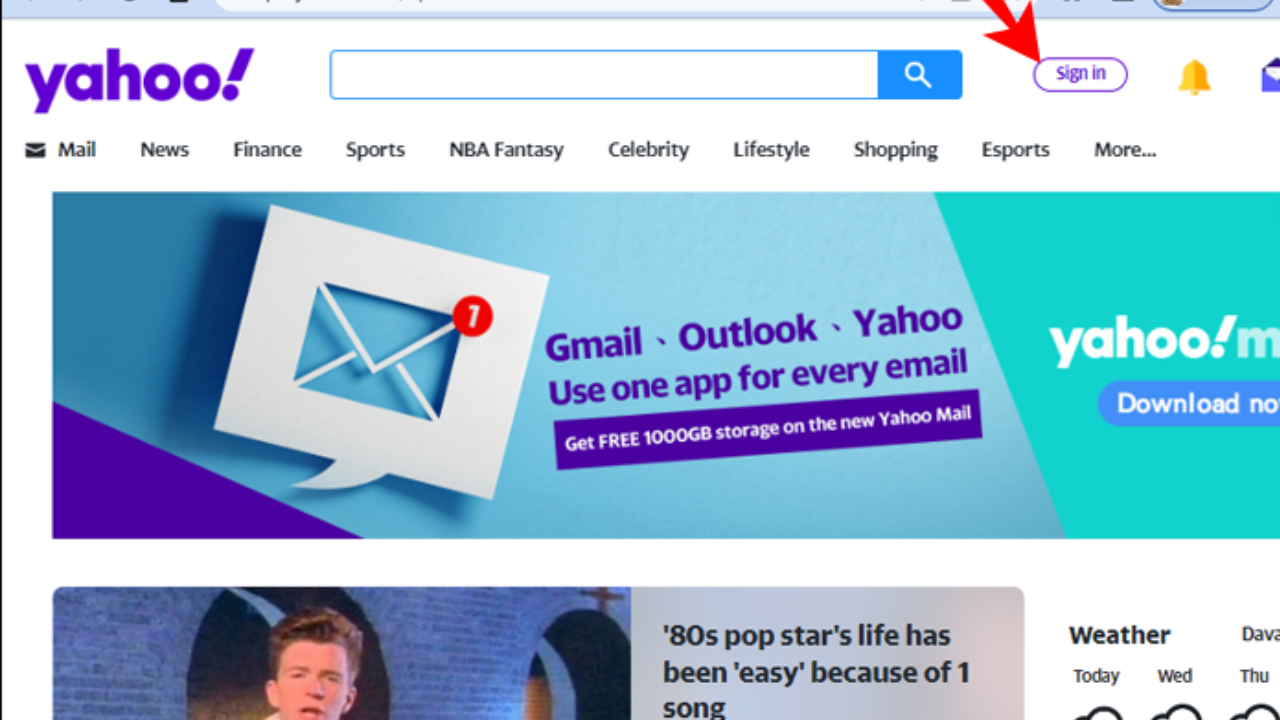
- Access the create account and select one of the best options according to your desire (For my personal use, For my child, For my business).
- Now fill out the form by entering your personal information and choosing an account.
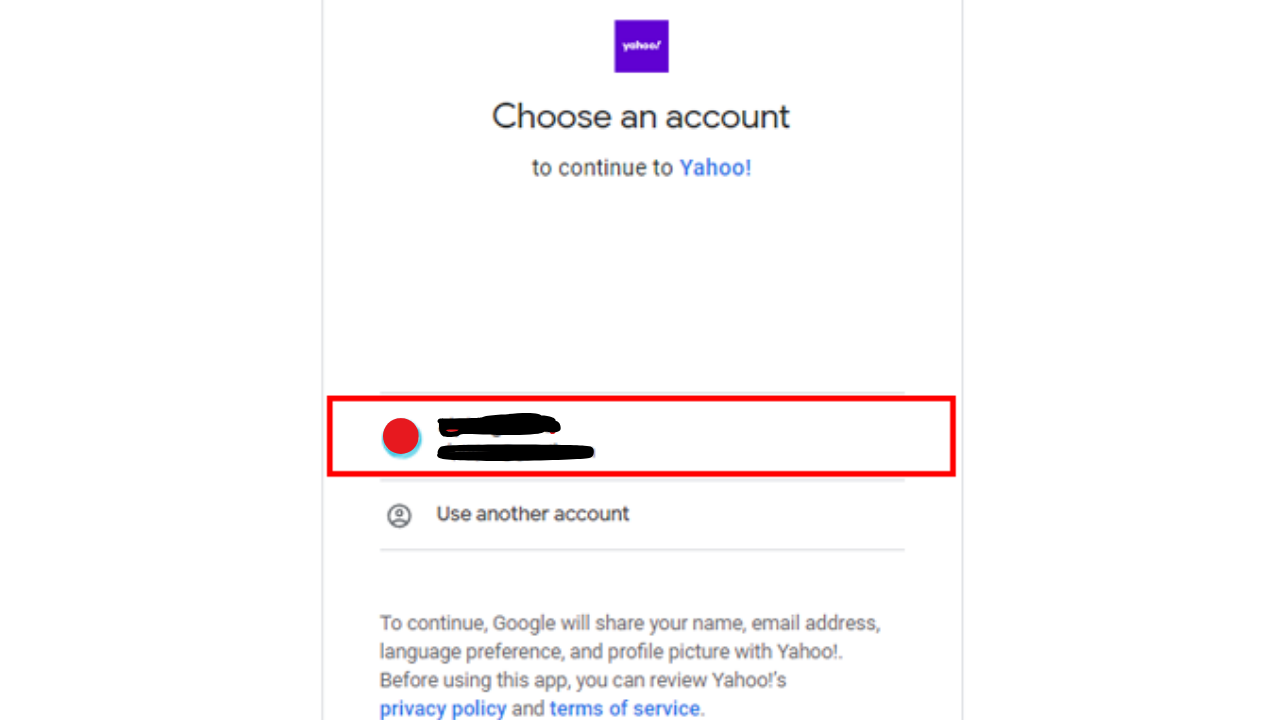
- Set the password and skip phone number verification. Although, you can try another email service provider if the verification option is not shown. Also, you can choose temporary phone number services from various phone number service providers.
- You can also verify your email with another email account.
- Complete the account setup by clicking on done and start sending emails.
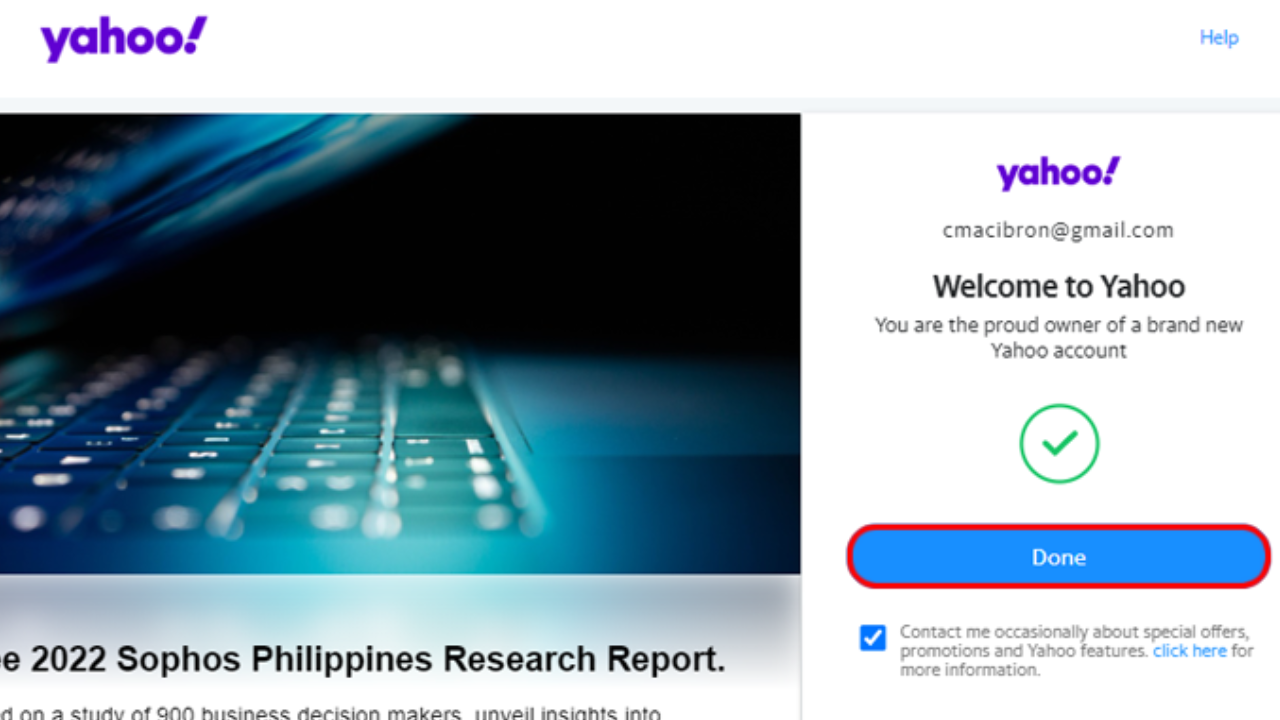
Note: Gmail requires a phone number for verification on the Desktop.
Related Post: How to get an EDU Email
How do I create a temporary email account for free?
Multiple email service providers allow free email without phone number. But the thing is security and safety. If you want to create a temporary email account for free without a phone number, explore the below service providers that are secure enough.
- Skiff Mail
- Proton Mail
- Skiff Mail is an advanced security email provider with public and private key types. Additionally, this email provider allows email recovery without giving a phone number or personal information. You can use its free plan to create a new email account.
- ProtonMail is one of the best email providers that allows multiple benefits to its users. Yet, you can create email without a phone number, personal information, and IP addresses with the Proton Mail. Also, you can get access to proton drive, mail, calendar, etc. However, this service provider provides advanced security with its premium package.
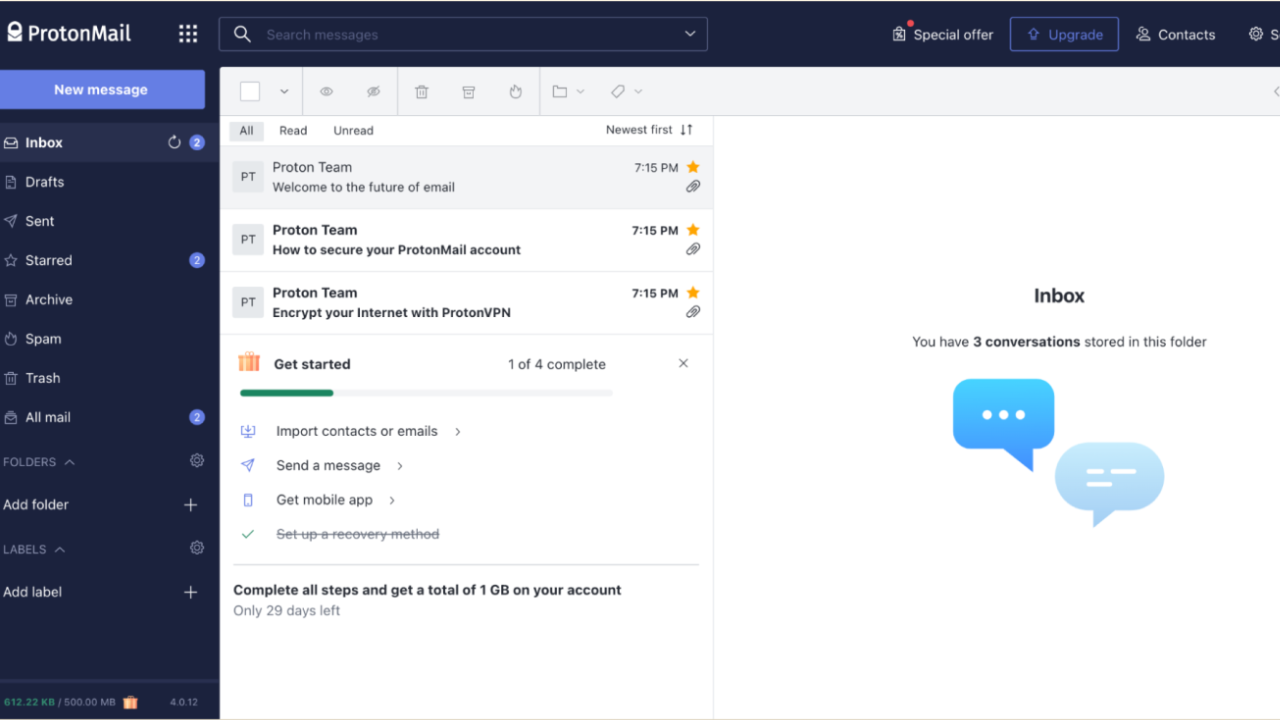
These two email creators are good enough to create email account without phone number verification.
Why does an Email provider require phone numbers?
There are several authentic and safe reasons that email providers require phone numbers.
- Protection from cyber threats
- Account recovery
- Two-step authentications
1- Protection from cyber threats
There are more chances to lose email accounts without phone numbers. However, a phone number can help protect your emails from hackers. If hackers try to hack your email, you will receive an SMS on your phone number. In this way, you can secure your email account.
2- Account recovery
Another crucial benefit of providing a phone number is to recover your account. Hence, you can recover your email if you forgot the password or username. Hence, recovery is only possible if you have provided the phone number/another email. However, you will receive an SMS or call with the verification code.
3- Two-step authentications
You must add a phone number to create an email if you have business files and want to enhance their security. With two-step authentication, no one can attempt to log in to your email unless you confirm with “Yes, it’s me.”
Related topic: How to CC in Gmail
How can I get Email without mobile verification- Conclusion
Finally, you got your point about creating email account without phone number. After creating an email without mobile verification, make sure to note down the password and username. Moreover, you won’t be able to recover your email without email verification. Try to create your email account on mobile and desktop according to your ease. If you are facing some issues, select free email service providers. I hope you enjoyed the reading!
People Also Asked
Ans: You can select email service providers to create a free email account without a phone number. Also, add an email for verification instead of a phone number.
Ans. You can definitely create an anonymous email account with fake information. Yet, you can create anonymous emails on various email service platforms like Yahoo, Google, etc.
Ans. You can use different emails for free trials according to the terms and policies of the email service provider. Many email providers allow multiple free trials to create email, but not all of them.
Ans. To obtain the best free email without phone verification, consider an email provider such as Google, Outlook, or Yahoo. Sign up on one of them and put another email for verification instead of a phone number.
