

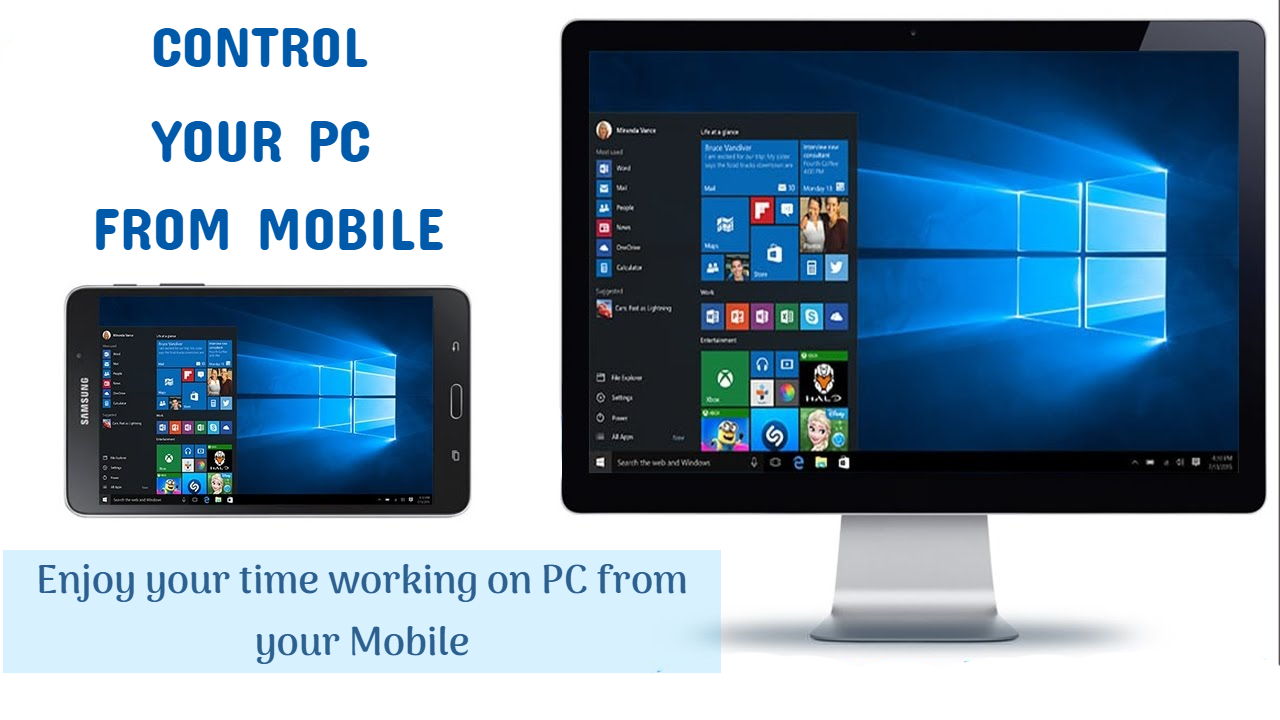
Just think how exciting it could be if you have remote or a control device to easily get access to your computer, even without touching your mouse or keyboard you can control features, enjoy the video, browse the web browser, or control Music wirelessly. We already know the feeling when we tried to watch a movie or want to play music on our pc from our bed, and suddenly we have to pause the movie for any reason or to adjust the volume or brightness, for any of these reasons we have to compromise on our comfort to approach mouse or keyboard. Imagine if you can adjust all these things while staying in the comfort of your pillow. Would you like to access your computer remotely or access your Mac from another device? Do you want to know how to control pc from android phone? Or about the remote control for the computer. In this article, we provide you every possible way and some of the best remote desktop app in order to control computer from the phone.
Some best Remote desktop apps to control Computer from phone
There are many apps that allow you to control your computer from phone out of which we will discuss some best apps. The remote desktop app helps to give remote access to your mobile from PC. Here are some best apps which allow you to control computer from phone.
- VNC Viewer.
- Win remote control.
- Team viewer.
- Chrome Remote Desktop.
- Microsoft Remote desktop.
- ApowerMirror.
- Unified Remote
It is very easy to use any Android and Windows smartphone equipped with Wi-Fi or Bluetooth. Some apps on Google Play make your smartphone a universal remote to control a Windows device that provides access to all major features of a Windows PC without touching it. These applications use Wi-Fi or Bluetooth, the server, and the client application to set up and control a Windows PC / laptop.
1. VNC Viewer: Control computer from phone
VNC viewer provides you immediate access to your computer from anywhere to your mobile phone. It is a RealVNC app. VNC Viewer provides secure, reliable, and smooth cloud connections. This app is compatible with all the famous desktop operating systems like Windows, Mac, Raspberry pi, and also to Linux.
VNC viewer is very safe as it provides multiple authentication ways to prevent unauthorized access and also blacklists the user failed authentication multiple times. There is only one bad thing about this app which is, it does not allow file transfer. Although most of the services are free for home users. It costs for premium service for business users.
Follow these easy steps and then you will be able to create remote control for computer.
- Download VNC in your pc or laptop
- Download VNC App in your mobile
- Sign in to both
- Enter asked data for authentication
Now you are ready to control your computer with your phone.
2. Win-Remote control

How to control your computer from your phone
Win-Remote Control is very handy and easy to use. It uses Wifi or Bluetooth connections to connect your mobile and pc. It also provides a remote desktop feature on your mobile which allows you to use many features or even you can open the taskbar, to check your CPU’s performance. You can also use this app to change the slides when in presentation and much more. Just install Win-Remote control in your mobile from the play store and in your system also. Start the app and connect them using Wifi-tethering or Bluetooth.
3. Team viewer

Team viewer is no doubt one of the best remote desktop apps as it is backed by its premium structure but if you are using it for your house it is free for you, but if you want to use it for business purposes you have to its premium cost. If you are thinking to cheat this app you can’t as this app’s algorithm tracks the purpose for which it is being used, and you will get block by this app. This app has many features like:
Control Computer from your phone
- You can transfer files at the rate of 200 MBs per second.
- This app also allows chat and VoIP features to make calls, attend conferences, and much more.
- You can also share your screen and also Record the session.
4.Chrome Remote Desktop

Chrome Remote Desktop is one of its own kind browser extension offered by google chrome. If you are confusing it by its name that it only gives access to google chrome’s browser, so let me clear that this extension gives you access to all the features on your desktop to your mobile. This is one of the easiest to use an app for sure. It is the only Remote Desktop app which entirely free for any commercial or home user. It is compatible with any windows, Mac, or Linux operating systems. You can easily share screens and it also provides high-quality audio and video. It is very secure but it does not support file transfer to every platform.
5. Microsoft Remote Desktop

As the name suggests this app is designed by Microsoft and is only compatible with Windows operating system. You can guess easily how good it could be if you are a windows user. It is available for iOS, and android users while it is installed by default in windows phone. You just have to install windows remote desktop assistant then you will easily configure and ready to control computer from phone. It offers some basic features but with high quality. You can share clipboard or screen, enjoy high-quality video and audio. However, it is pretty much secure but it does not have some advanced features as you cannot transfer files
6. ApowerMirror

If you want to control your computer from your phone without limits then ApowerMirror is the best remote desktop app you are looking for. This app is very easy and smooth to use. Download ApowerMirror on your pc and also on your android phone from the play store. Make sure that you have the same Wifi connection for both. Now just open the app on your phone click on the middle button below to search for you pc, select it and then select Computer screen mirroring to control pc from your android phone. You can also control your android phone with your pc using this same app.
7. Unified Remote

This app is not less than the powerhouse of remote desktop app. By using this app you can easily control about 100 features of your computer simultaneously. It is very secure and handy to use. It is available on play store
I hope now you have an idea of how to control computer from phone. Share your experience of reading this article and your queries with us in the comment section below.
Thank you.
