

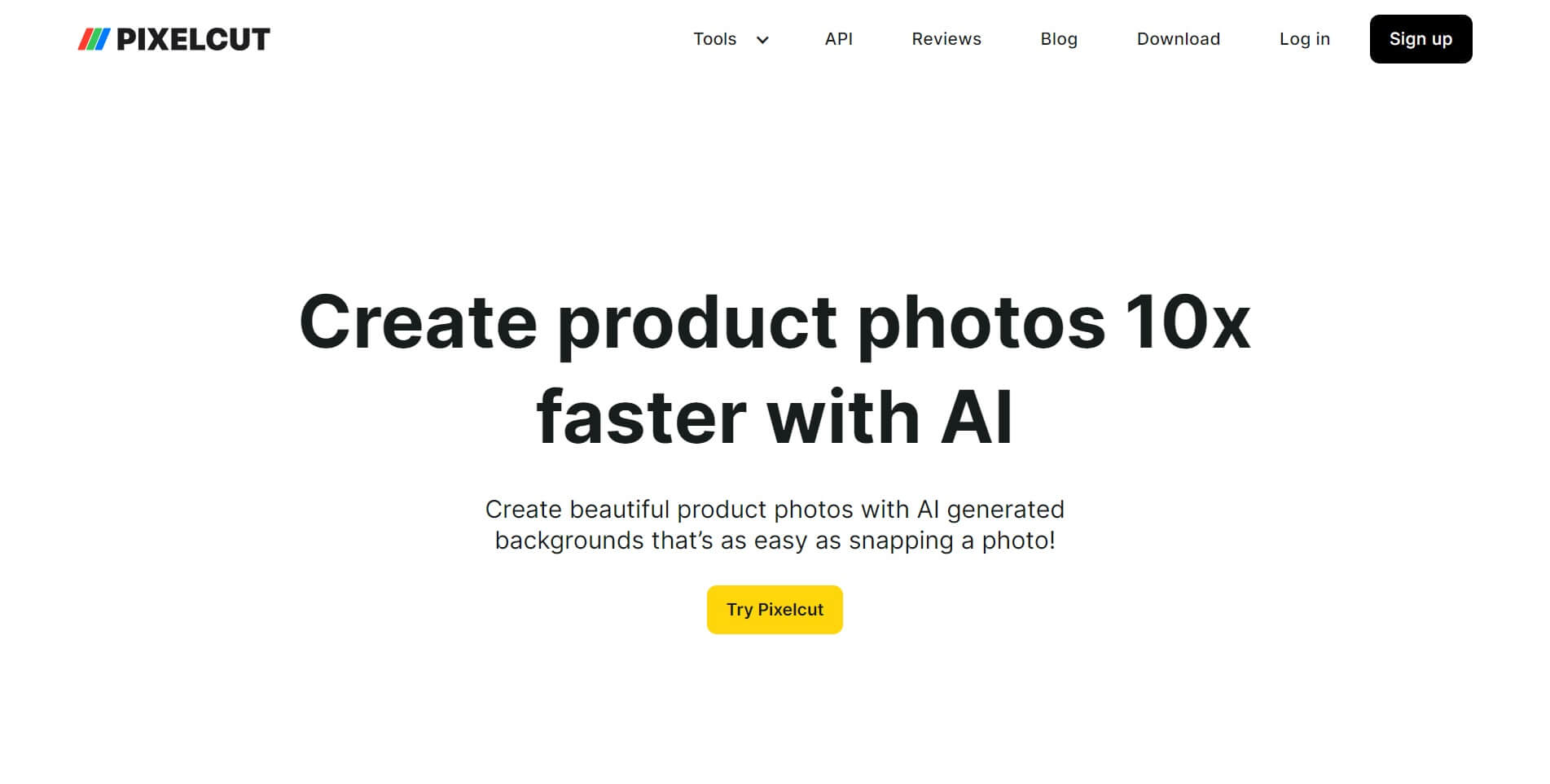
In the digital age, where visual content dominates various platforms, the importance of photo editing tools cannot be overstated. Whether you’re a professional photographer, a social media influencer, or a hobbyist blogger, having access to a reliable photo editing platform is crucial for enhancing your images and making them stand out. One such platform that has been making waves in the world of photo editing is Pixelcut.
What is Pixelcut?
Pixelcut is a comprehensive platform designed to meet the diverse needs of individuals and businesses seeking high-quality photo editing solutions. Developed with the aim of simplifying the editing process without compromising on quality, Pixelcut offers an array of intuitive tools and features that empower users to unleash their creativity and transform ordinary images into extraordinary works of art.
Founded on the principles of accessibility and convenience, Pixelcut is accessible online from any device with an internet connection. Whether you’re working from the comfort of your home or on the go, you can seamlessly access Pixelcut’s photo editor and unleash your creativity anytime, anywhere.
What Can Pixelcut Do?
Pixelcut boasts a wide range of capabilities, making it suitable for various purposes, from casual photo enhancements to professional-grade editing projects. Here are some of the key features and functions that make Pixelcut a versatile choice for content creators:

1. Photo Enhancement:
Pixelcut offers a plethora of tools for enhancing the overall quality of your photos. From adjusting brightness and contrast to fine-tuning colors and removing imperfections, Pixelcut provides all the necessary tools to bring out the best in your images.
2. Creative Effects:
In addition to basic editing features, Pixelcut also offers a variety of creative effects and filters to add flair and personality to your photos. Whether you’re looking to create a vintage-inspired look or add a touch of whimsy with artistic overlays, Pixelcut has you covered.
3. Advanced Editing Tools:
For users seeking more advanced editing capabilities, Pixelcut offers a range of sophisticated tools, including layers, masks, and blending modes. These features enable users to experiment with complex edits and achieve professional-level results with ease.
4. Batch Processing:
Efficiency is key, especially when working with large volumes of images. Pixelcut streamlines the editing process with batch processing capabilities, allowing users to apply edits to multiple images simultaneously, saving time and effort.
5. Collaboration:
Collaboration is made easy with Pixelcut’s cloud-based platform, which enables users to share projects with team members or clients and collaborate in real-time. Whether you’re working on a team project or seeking feedback from a colleague, Pixelcut’s collaboration features facilitate seamless communication and workflow management.
How to Use Pixelcut?
Getting started with Pixelcut is simple and straightforward, thanks to its user-friendly interface and intuitive design. Here’s a step-by-step guide to using Pixelcut:
1. Sign Up:
To begin using Pixelcut, sign up for an account on the platform’s website. Registration is free and only takes a few moments to complete.
2. Upload Your Images:
Once you’ve created an account, upload the images you wish to edit to Pixelcut’s online editor. You can upload images from your computer, cloud storage, or import them directly from social media platforms.
3. Edit Your Images:
Once your images are uploaded, use Pixelcut’s comprehensive suite of editing tools to enhance and modify them according to your preferences. Experiment with different effects, adjust settings, and fine-tune your images until you achieve the desired results.
4. Save and Share:
Once you’re satisfied with your edits, save your images and download them to your device. You can also share your creations directly from Pixelcut’s platform to social media or collaborate with others by sharing project files.
Features of Pixelcut and Alternatives
Pixelcut stands out in the crowded landscape of photo editing platforms due to its unique features and user-friendly interface. However, it’s essential to explore alternatives to ensure you find the right tool for your specific needs. Here’s a comparison of Pixelcut’s features with some popular alternatives:
| Feature | Pixelcut | Alternative 1 (e.g., Adobe Photoshop) | Alternative 2 (e.g., Canva) |
|---|---|---|---|
| User-Friendly Interface | ✔️ Intuitive design | ❌ Steeper learning curve | ✔️ Beginner-friendly |
| Creative Effects | ✔️ Wide range of filters | ✔️ Extensive filter library | ✔️ Pre-designed templates |
| Advanced Editing Tools | ✔️ Layers, masks, blending | ✔️ Advanced editing capabilities | ❌ Limited editing options |
| Collaboration | ✔️ Real-time collaboration | ✔️ Collaboration features | ❌ Limited collaboration |
| Accessibility | ✔️ Online, accessible anywhere | ❌ Requires software installation | ✔️ Online, accessible anywhere |
While Pixelcut excels in terms of accessibility, user-friendliness, and collaboration features, alternatives such as Adobe Photoshop offer more extensive editing capabilities for professionals. Meanwhile, platforms like Canva are ideal for beginners seeking pre-designed templates and simple editing tools.
Conclusion
In conclusion, Pixelcut emerges as a powerful yet accessible solution for individuals and businesses seeking versatile photo editing tools. With its intuitive interface, comprehensive feature set, and cloud-based platform, Pixelcut empowers users to unleash their creativity and bring their vision to life with ease. Whether you’re a seasoned professional or a novice enthusiast, Pixelcut offers the tools you need to elevate your photos and stand out in today’s visually driven world. So why wait? Sign up for Pixelcut today and take your photo editing game to the next level!
FAQs
1. What is Pixelcut?
Pixelcut is a comprehensive online platform that provides a wide range of photo editing solutions for individuals and businesses. It offers intuitive tools and features to enhance and edit photos, catering to the needs of content creators, photographers, and designers.
2. How does Pixelcut work?
Pixelcut works as a cloud-based photo editing platform accessible through any device with an internet connection. Users can upload their images to the Pixelcut editor, where they can utilize various editing tools and effects to enhance their photos. Once satisfied with the edits, users can save and download the edited images to their devices.
3. What types of editing tools does Pixelcut offer?
Pixelcut offers a diverse set of editing tools, including basic adjustments like brightness, contrast, and color correction, as well as advanced features such as layers, masks, and blending modes. Additionally, Pixelcut provides creative effects like filters, overlays, and textures to add flair and personality to photos.
4. Is Pixelcut suitable for professionals?
Yes, Pixelcut caters to both casual users and professionals alike. While its user-friendly interface makes it accessible to beginners, Pixelcut also offers advanced editing capabilities that meet the needs of professional photographers and designers. Features like batch processing and collaboration tools further enhance its suitability for professional use.
5. Can I access Pixelcut on mobile devices?
Yes, Pixelcut is accessible on mobile devices, including smartphones and tablets. Its responsive design ensures a seamless editing experience across various screen sizes, allowing users to edit photos on the go conveniently.
6. Is Pixelcut a free platform?
Pixelcut offers both free and premium subscription options. While the free version provides access to basic editing tools and features, premium subscriptions unlock additional functionalities and advanced editing capabilities. Users can choose the subscription plan that best suits their needs and budget.
7. Can I collaborate with others using Pixelcut?
Yes, Pixelcut facilitates collaboration through its cloud-based platform. Users can share project files with team members or clients and collaborate in real-time, making it easy to work together on editing projects, provide feedback, and streamline workflow management.
8. How secure is Pixelcut?
Pixelcut prioritizes user privacy and security, employing robust encryption protocols and data protection measures to safeguard user information and uploaded images. Additionally, Pixelcut adheres to industry-standard security practices to ensure a secure editing environment for its users.
9. Does Pixelcut offer customer support?
Yes, Pixelcut provides customer support to assist users with any inquiries or issues they may encounter while using the platform. Users can access help resources, including tutorials, FAQs, and contact options for personalized assistance from the Pixelcut support team.
10. Can I use Pixelcut for commercial purposes?
Yes, Pixelcut can be used for commercial purposes, including editing photos for business marketing, social media content, and other professional projects. However, users should review Pixelcut’s terms of service and licensing agreements to ensure compliance with usage rights and restrictions.
