


If you are a Telegram fan, you cannot imagine your life without checking updates and scrolling down your feed. Telegram is known for its highest end-to-end encryption, invulnerable to cyber-hijackers and surveillance, which ensures your communications remain safe. With Telegram, users can anonymously send messages, video streams, audio files, and other content around the world on iOS and Android.
But, the process of creating a Telegram account requires users to provide a phone number for verification. As you will need to confirm a unique code sent to your given number as a message or a phone call to verify your account so you can’t register your account using any fake number. This may not be ideal for some users who are privacy-conscious or wish to have multiple Telegram accounts.
There are some peoples who want to operate multiple accounts but don’t have any other numbers.
Fortunately, there are several ways to create a Telegram account without a phone number, and this article will explore these methods in detail to know how to use Telegram without Phone Number or Sim.
- How to use telegram with Virtual Phone numbers:
- Creating a Telegram Account with Virtual Phone Numbers
- 1. TextNow: Use Telegram without your Phone number
- 2. Google voice: Create a Telegram account without an actual phone number
- 3. Fragment
- 4. Burner:
- 5. Textfree:
- 6. SMS PVA:
- 7. Text plus:
- 8. Godaddy Smartline:
- 9. SMS Man
- Is Telegram Safe?
- Benefits and Limitations of Using Telegram Without a Phone Number
- Safety and Security Considerations
- Closing Thoughts
- FAQs
How to use telegram with Virtual Phone numbers:
There are several services and apps that offer virtual phone numbers to exchange calls and messages. But the only disadvantage of having these numbers is if you are not using these numbers actively they will fetch them back and give this number to another person.
Creating a Telegram Account with Virtual Phone Numbers
We have created a list of some of the best apps that can provide you with a virtual Phone Number
- Textnow
- Google Voice
- Fragment
- Burner
- Text free
- Sms PVA
- Text plus
- Godaddy Smartline
- SMS Man
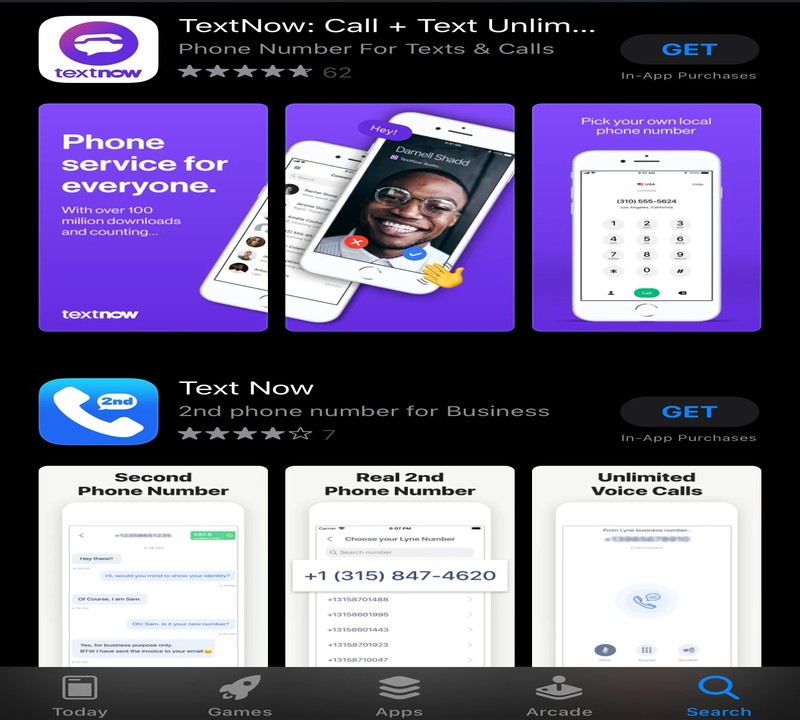
1. TextNow: Use Telegram without your Phone number


TextNow is a free texting and calling app from which you can easily acquire a second number to make your Telegram account. If you want this phone number permanently then you have to pay its premium price. However, as long as you are actively using this number nobody is going to take it away from you.
Follow these steps to know how to use Telegram without a Phone number from Textnow.
- Install TextNow from the Google Play Store (For Android) or the iOS App Store.

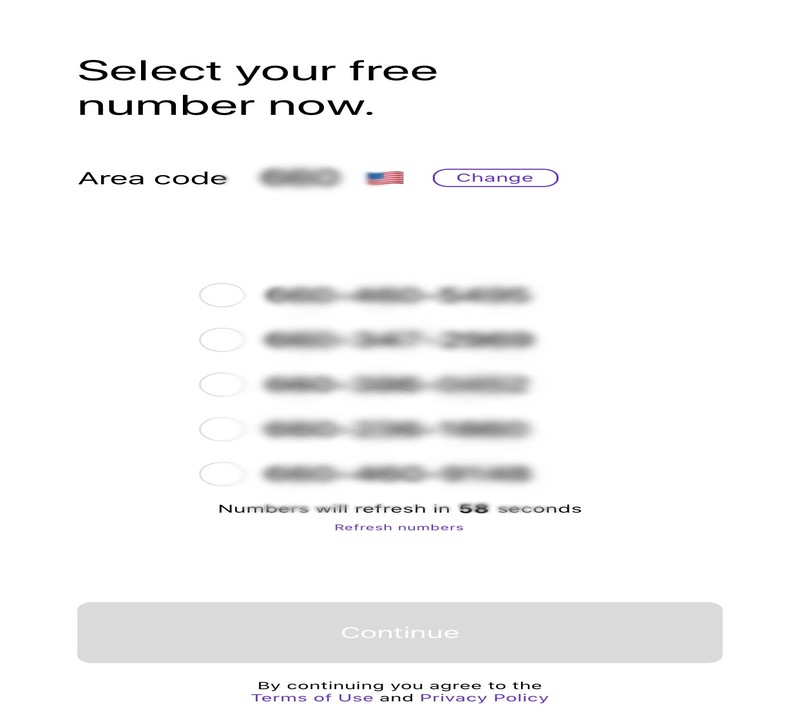
- Choose a virtual phone number. The app will often ask for your area code in order to create five different numbers to choose from.

- Start the Telegram app on your phone and tap Settings > Your Profile Details > Add Account.
- Enter your TextNow phone number and tap Next which appears in the upper right corner of the screen.
- Confirm the special code sent by Telegram via text message or phone call.
- Once your account is verified, type your first name and last name.
Cookies can be helpful for your surfing experience but sometimes they could harm your data security. However, I have listed some easiest steps to clear cookies on your iPhone.
2. Google voice: Create a Telegram account without an actual phone number


Another option is Google Voice, which is Google’s web calling app that provides users with a new phone number for voice calls and SMS. However, a personal Google Account is required to use the service.
To create a Telegram account using Google Voice, follow these steps:
- Create a Google account if you don’t have one.
- Navigate to Google Voice and select a phone number.
- Register this number on Telegram.
- Telegram will send you the confirmation code on this number.
- Confirm the code sent by Telegram to your Google Voice number.
- Confirm your account and start using it.
Do you know, that you can use your Gmail account without a phone number? This guide will show you How to create a Gmail account without a Phone Number
3. Fragment

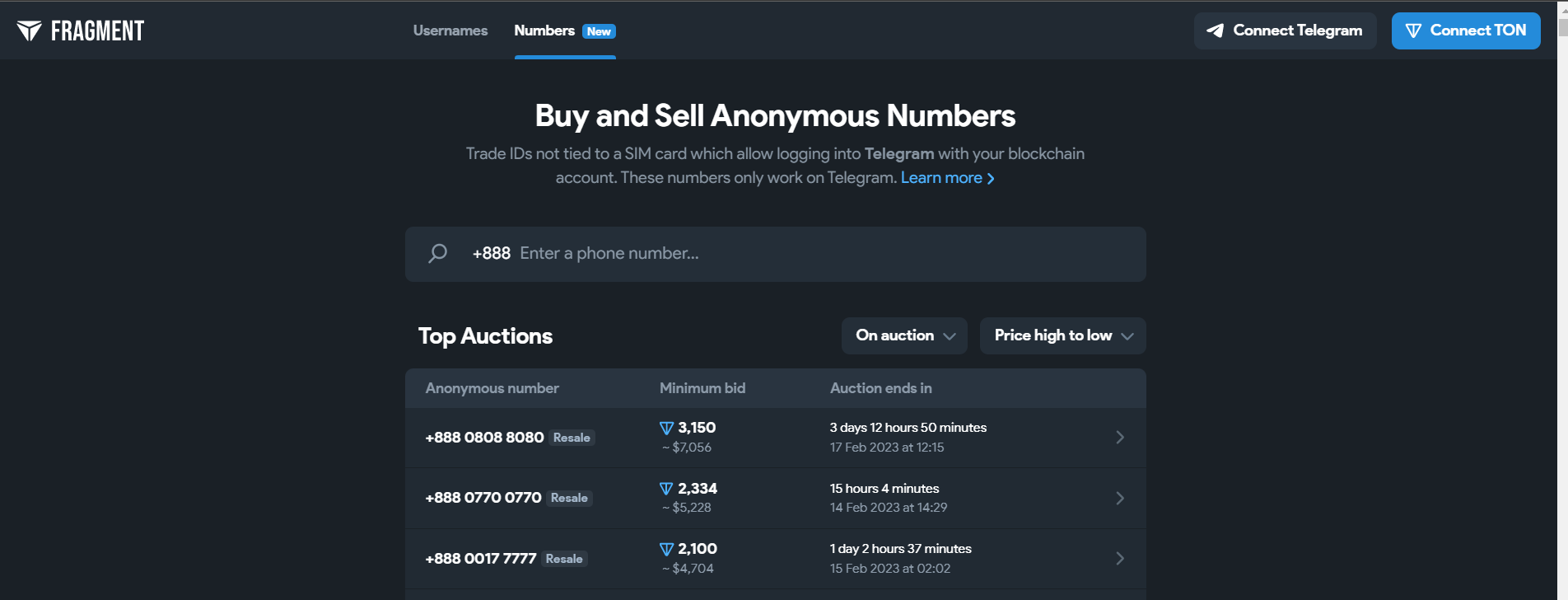
To buy a username and anonymous number on Fragment for Telegram, follow these steps:
- Visit the Fragment official website.
- Browse available anonymous numbers or use the search function to find your desired option.
- Place a bid on the anonymous number you prefer, starting at 9 TON*.
- Verify your identity through OTP verification.
- After completing the purchase, follow these steps to set up your Telegram account:
- Download the latest version of Telegram from the Google Play Store or Apple App Store.
- Launch the app and click the ‘Get Started’ button.
- Enter the anonymous number you purchased from Fragment.
- An OTP will be sent to your Fragment account. Input the code and validate the process.
- Congratulations, you now have a Telegram account without the need for a SIM card!
*Please note, TON (The Open Network) is the official token used by Telegram for payment through Fragment.
4. Burner:


Apart from Telegram do you know you can save your space with an Outlet Wall Mount Holder for Google Nest Mini (Home Mini 2nd Gen), A Space-Saving Accessories for Google Nest Mini Voice Assistant 2nd Generation?
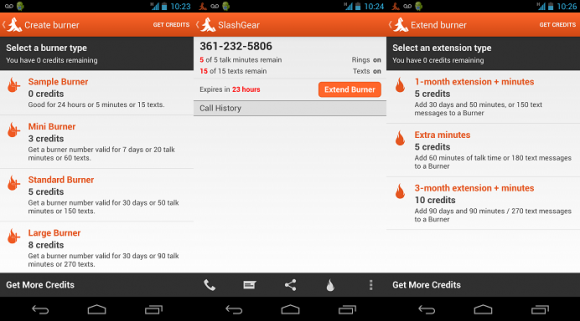
Burner is another app that has the capability to get this job done. It allows you to rent a temporary phone number. This app works like a bridge between your actual and rented number. As the calls and messages are received by the Burner server and transferred to your real number. Burner does not expose your real number to the one who called you. There are two categories of accounts that Burner offers: a short-term duplicator number ideal for checking Telegram which is completely free, and a subscription number which costs you some bucks and you can keep it whenever and as long as you want.

5. Textfree:


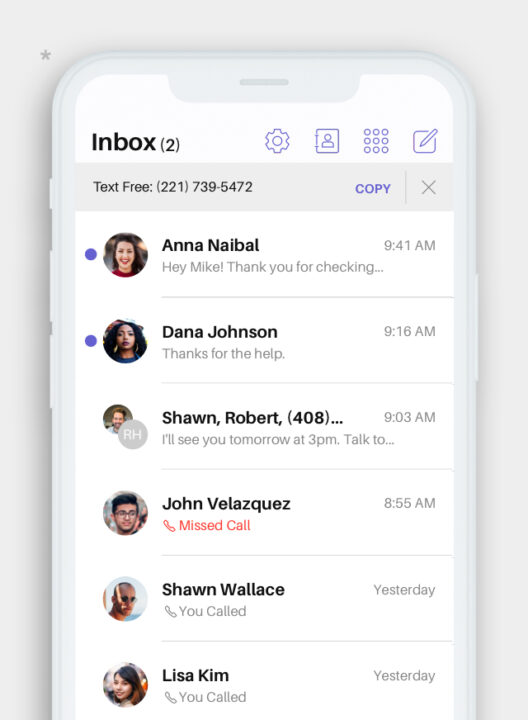
A smart service that gives you all the advantages of an American phone number owner. Using this service you can easily receive or send text messages or make calls. In-app calls and incoming calls are completely free, while outgoing minutes cost you a little bit and are available at the lowest rates.
They are claiming to provide a unique phone number, unlimited free texting, and sharing of media from the phone or by using the web, calls, and voicemails on wifi.

6. SMS PVA:
This site is highly used for SMS activation for a phone number. Do you know how to create Telegram account without a phone number? Hence, you can surely do it practically through SMS PVA. You can find any country-based phone number. Select the phone number according to your required service. If your service is related to the telegram, select the option which will bring you to the payment page.
Please pay for the phone number and register it in your telegram. Understandably, some of you might feel reluctant to pay for it. But buying their phone number is worth buying it. Besides, you can receive quality and durable features that no free application will give you for more than a year.
7. Text plus:

This is another app from which you can get numbers. This app is very convenient and easy to navigate. Multimedia and SMS messages have not been classified in Canada and the United States. In-country and international call charges start at $ 0.02 / min.
Now you can change the IMEI of your phone! This guide will help you know How to change the IMEI number on Android and iPhone.
8. Godaddy Smartline:


Godaddy Smartline is officially a service provider by GoDaddy to generate a US-based phone number for you. If you get its phone number, you can use it for receiving general calls and messages for work purposes. This option is suitable for you if you find out how to use telegram without a phone number. As the service will be supportive and error-free, you must pay for it. Yet, a beginner can join the free trial for a month.
Go to the official site of GoDaddy, offering these services. Write down your area code, and the app will show the numbers based on your area. Now, select any number of your choice. Now, download its application and use the phone number in your telegram account.
Have a quick look to find your phone number on Android or iPhone if forgotten.
9. SMS Man

If you want to register on Telegram without a phone number, then here is how you can do it with SMS-man.
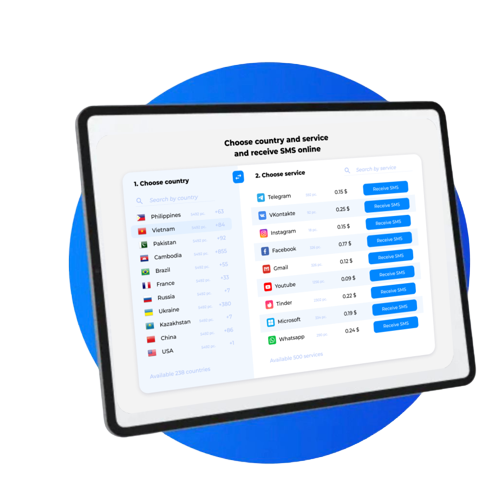
SMS-man is a service that offers virtual phone numbers to create unlimited accounts for Telegram, WhatsApp, Tinder, Gmail, and others. Follow the simple instructions:
1. Open the SMS-man.com website.
2. Once you enter the website, click on the “Sign up” button and create an account.
3. On the main page you need to choose one of the countries of mobile operator and service (Telegram or any other).
4. Then click on the “buy” button next to the selected service to get a virtual number. Use the purchased number to register in Telegram.
5. Once the number is sent an SMS with a confirmation code, go back to SMS-man and click “Get SMS” to see the received code.
6. Paste the verification code into Telegram to activate your account.
Done, you have registered a Telegram account without a phone number. This way with SMS-man you can register almost any application or site which requires confirmation of phone number
Is Telegram Safe?


If you are wondering if Telegram will use your number for any other purpose, the answer is no. Telegram is encrypted, private, and secure, making it a great alternative to other instant messaging apps, especially when compared to WhatsApp, which is owned by Facebook or Meta known for data harvesting. After verifying your account using a phone number, Telegram will not use it for any other purpose.
Telegram is encrypted, private, and secure, making it a great alternative to other instant messaging apps, especially when compared to WhatsApp, which is owned by Facebook or Meta known for data harvesting. After verifying your account using a phone number, Telegram will not use it for any other purpose.
Benefits and Limitations of Using Telegram Without a Phone Number
When using Telegram without having a phone number could increase security and privacy It is important to think about the advantages and drawbacks of this method.
Benefits:
- enhanced privacy Users are able to keep privacy and avoid the disclosure of personal phone numbers.
- Security prevents security risks that come with the sharing of private phone numbers.
- Multi Account Creation Users can set up several Telegram accounts without the need for additional SIM cards.
Limitations:
- Restricted Functions Certain functions like SMS notifications or contact syncing could be disabled if an account phone number is not linked with account account.
- Verification Issues If you don’t have an phone number or a phone number, recovering an account or changing a password can be more difficult.
- Relying upon External Services: Using temporary or virtual numbers may be contingent on availability or dependability of such services.
Safety and Security Considerations
When you are looking for ways to make use of Telegram without the need for a phone number It is crucial to pay attention to security and safety measures.
- Trustworthy Services: Make use of reliable and trustworthy services when you need temporarily or even virtual numbers.
- account recovery without an account number or phone number associated, make sure alternative recovery methods (such such as email) are properly configured to enable account retrieval.
- Routine Security Audits Check your security settings, and utilize two-factor authentication to protect your account.
Closing Thoughts
Summing up, now you have an idea of how to use Telegram without a phone number or you can say without your actual phone number. The methods mentioned above will ensure that users can enjoy the privacy and security offered by Telegram without compromising their personal information. If you are using another method for verification or if you have any problem doing so, you can mention your experiences and queries in the comment section below.
Thank you
FAQs
yes, there exists another risk. Besides your email and phone number, your mac address is not as secure. Use the VNC offering to change your Mac address.
Yes, if you are active on these acquired numbers, the company will fetch them and give them to some new owner. Now this owner can easily get your Telegram account’s access, or you can simply delete your telegram account in this case.
You must have to enable two-factor authentication in order to avoid some other person with a spoofed number’s proof hooking into your account and can access your conversations too.
NO! telegram has to send you a confirmation code via msg. However, for the call option, it might work most probably, if not then use a cell phone number.
Yes, you can, but give this thing a thought a person can get access to your account easily, and also that if they have to create their telegram account problem will occur due to 2FA being turned on.