


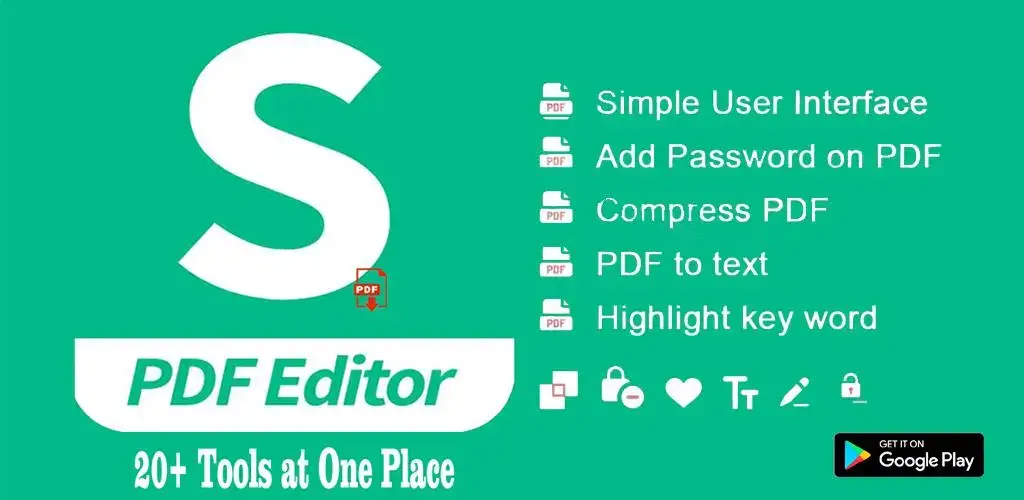
Sejda PDF Editor is a powerful online and desktop tool designed to help users edit, merge, split, compress, and convert PDF files with ease. Unlike many other online PDF editors, Sejda offers a user-friendly interface and a wide range of tools that make handling PDFs efficient and hassle-free. Whether you need to fill out forms, sign documents, or edit text, Sejda provides a seamless experience without requiring complex software installations.
What is Sejda PDF Editor?
Sejda PDF Editor is a comprehensive PDF management tool that allows users to modify and manipulate PDFs without needing Adobe Acrobat or other expensive software. It is available as both an online platform and a desktop application, making it convenient for different user needs.
Some of the key features of Sejda PDF Editor include:
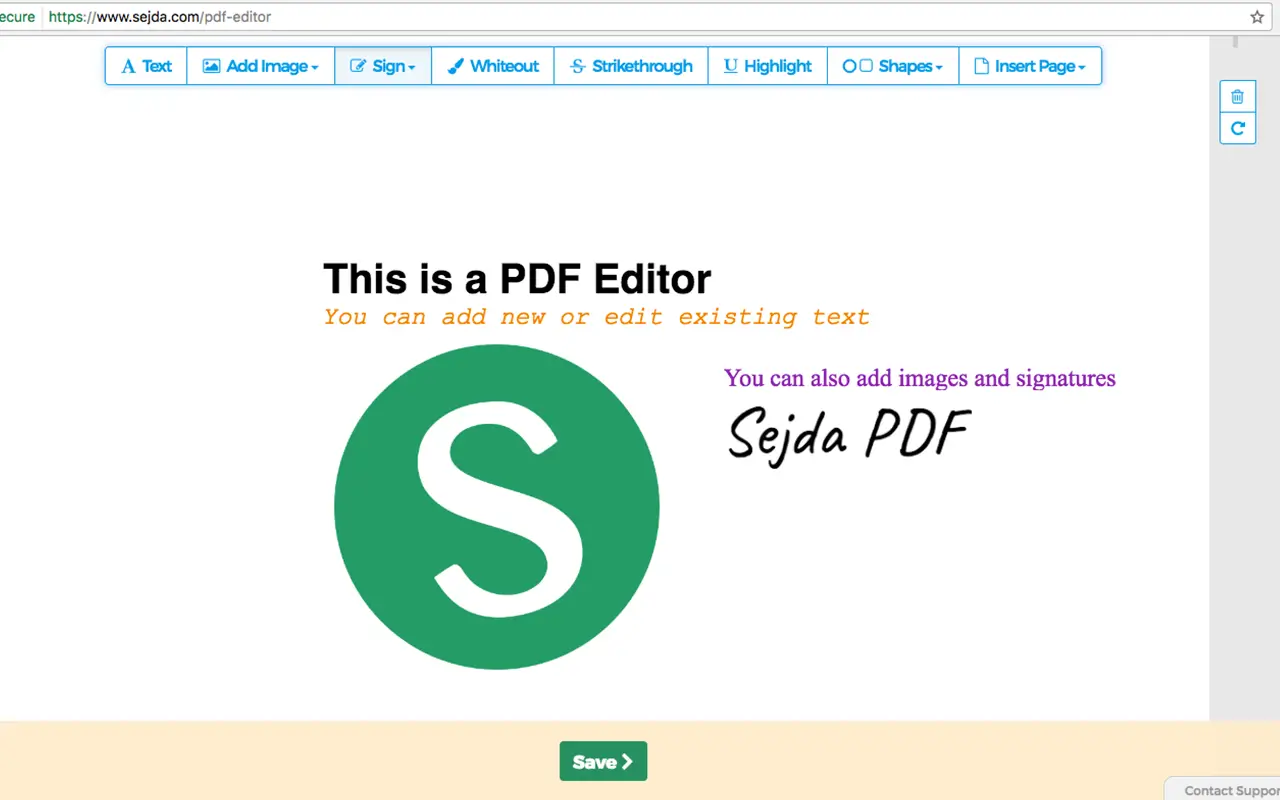
- Editing PDF text directly
- Adding images and shapes
- Annotating PDFs with comments and highlights
- Merging, splitting, and compressing PDFs
- Converting PDFs to and from different formats (Word, Excel, JPG, etc.)
- Filling and signing PDF forms
With these features, Sejda simplifies document management for students, professionals, and businesses alike.
How To Use Sejda PDF Editor

Using Sejda PDF Editor is straightforward, whether you are accessing it via a web browser or using the desktop version. Below is a step-by-step guide to help you navigate through the main features of Sejda PDF Editor.
1. Accessing Sejda PDF Editor To begin using Sejda PDF Editor, follow these steps:
- Open a web browser and go to Sejda’s official website
- Click on “Upload PDF file” to select a document from your computer or drag and drop the file directly onto the page
- Alternatively, you can choose a file from cloud storage platforms like Google Drive or Dropbox
For the desktop version, download and install Sejda PDF Desktop from the official website, launch the application, and open your PDF file.
2. Editing Text in a PDF Editing text in a PDF is one of Sejda’s most popular features. To modify text:
- Open the PDF in Sejda PDF Editor
- Click on the text you want to edit
- Type to replace or modify existing content
- Adjust font size, color, and style using the toolbar
- Click outside the text box to save changes
Unlike many free PDF editors, Sejda retains the original font style, ensuring that your document remains professional and neat.
3. Adding Images and Shapes If you need to add images, signatures, or geometric shapes to your PDF:
- Click on the “Images” option in the toolbar
- Upload an image from your device
- Drag to position and resize the image as needed
- To add shapes, select “Shapes” and choose from rectangles, circles, lines, and arrows
This feature is particularly useful for creating professional documents, presentations, or educational materials.
4. Annotating PDFs with Comments and Highlights Annotations are crucial when reviewing documents. To add annotations:
- Click on the “Comment” or “Highlight” tool in the toolbar
- Choose the area you want to annotate
- Type comments or use the highlighter to emphasize text
- Save your document to preserve the annotations
This feature is ideal for students, researchers, and professionals who need to review and mark up PDFs effectively.
5. Merging and Splitting PDFs Sejda PDF Editor allows users to combine multiple PDF files or split large PDFs into smaller sections.
- To merge PDFs, click on “Merge PDFs,” upload multiple files, arrange them in the desired order, and click “Merge” to combine them
- To split PDFs, select “Split PDF,” choose how you want to divide the document (by page number, bookmarks, or file size), and click “Split” to generate separate files
These functions are highly beneficial for managing large reports, presentations, and document archives.
6. Compressing PDFs Large PDF files can be cumbersome to share and store. Sejda offers an efficient compression tool:
- Click on “Compress PDF”
- Upload your file
- Choose the compression level (low, medium, or high)
- Click “Compress PDF” and download the optimized file
This feature is useful for reducing file sizes while maintaining document quality.
7. Converting PDFs to Other Formats Sejda supports conversion between PDF and other formats like Word, Excel, JPG, and PNG. To convert a PDF:
- Click on “Convert PDF”
- Select the target format
- Upload your PDF
- Click “Convert” and download the converted file
This tool is essential for users who frequently need to extract or repurpose content from PDFs.
8. Filling and Signing PDF Forms Sejda makes filling out forms and adding digital signatures easy:
- Open the PDF form in Sejda PDF Editor
- Click on form fields and type in the required information
- To sign, click on “Sign,” draw or upload your signature, and place it in the appropriate field
- Save the file to complete the process
This feature is invaluable for handling contracts, applications, and legal documents.
9. Protecting PDFs with Passwords If your document contains sensitive information, you can use Sejda’s security features:
- Click on “Protect PDF”
- Set a strong password
- Click “Encrypt PDF” to apply password protection
This function ensures that only authorized individuals can access the document.
10. Removing or Redacting Information Sejda allows users to permanently remove sensitive information from a PDF:
- Select “Redact PDF”
- Highlight the text or area you want to remove
- Apply redaction and save the document
This tool is especially useful for legal, financial, and confidential documents.

Advantages of Using Sejda PDF Editor
Sejda PDF Editor stands out from other PDF tools due to its unique advantages:
- No Watermarks: Unlike many free PDF editors, Sejda does not add watermarks to your edited documents
- User-Friendly Interface: The intuitive design makes it easy to navigate and use
- Web and Desktop Versions: Users can choose between online and offline access
- Secure and Private: Uploaded files are deleted from Sejda’s servers after a few hours, ensuring data privacy
- Affordable Pricing: While the free version is powerful, the paid version offers additional features at a reasonable cost
Alternatives to Sejda PDF Editor
If Sejda does not meet your needs, consider these alternatives:
- Adobe Acrobat DC: A premium tool with advanced features
- PDFescape: A free web-based editor with basic editing capabilities
- Smallpdf: Offers various PDF tools in an easy-to-use interface
- Foxit PhantomPDF: A powerful alternative for professional users
Conclusion
Sejda PDF Editor is an excellent choice for anyone looking to edit, manage, and optimize PDF files efficiently. With its wide range of features, including text editing, file merging, form filling, and security options, Sejda simplifies document handling for individuals and businesses.
Whether you need quick online access or a dedicated desktop tool, Sejda provides a flexible and user-friendly solution for all your PDF needs. Try Sejda today and experience seamless PDF management like never before.