


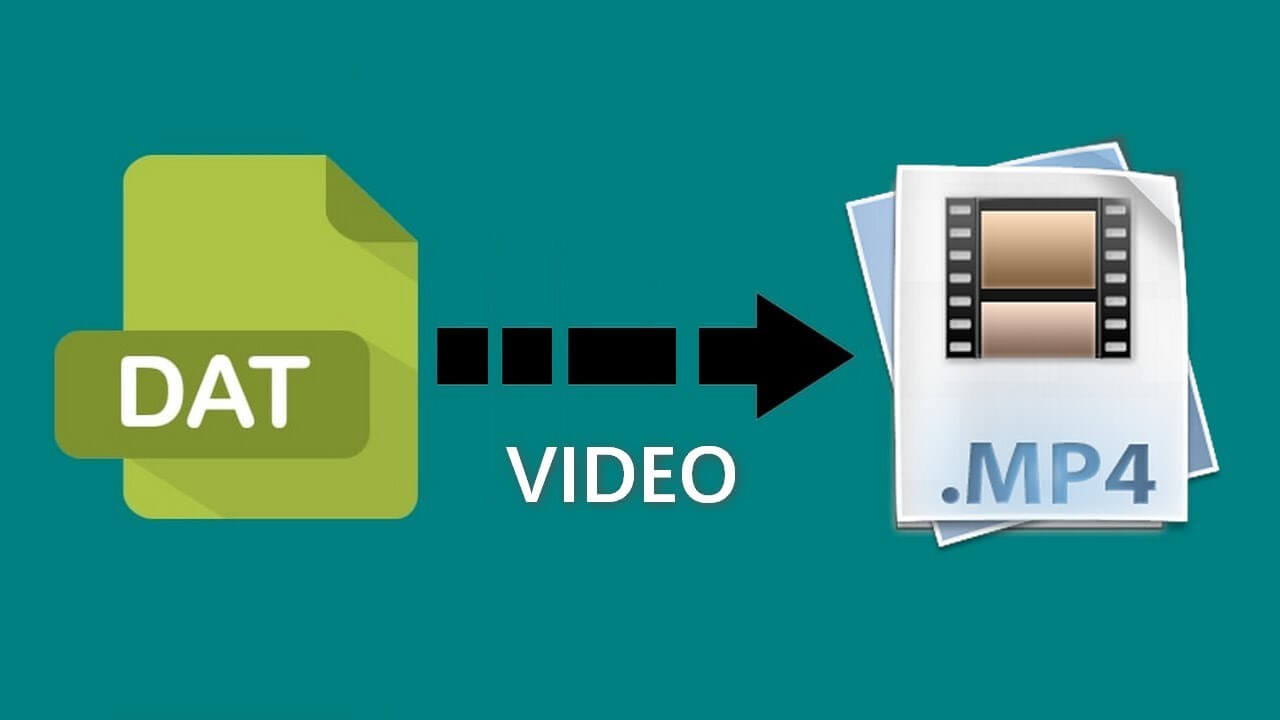
Converting DAT files to MP4 is essential for anyone who wants to make older video files compatible with modern devices and platforms. DAT files often come from older software, and many devices or media players don’t support them. MP4 is widely accepted for high-quality video with efficient compression, making it the go-to format for easy playback on almost any device. In this guide, we’ll cover various ways to convert DAT to MP4, from using Wondershare UniConverter video converter to online and free options. Whether you’re looking for a simple or professional method, these solutions will help you achieve high-quality conversions.
What is a DAT File?
Before diving into the conversion process, it’s useful to understand what a DAT file is. DAT files are generic data files typically created by specific software and often contain raw data in various formats. They’re commonly used by software applications to store data, configurations, or video content, which makes them tricky to open with standard media players. Converting DAT files to MP4 lets you view the content easily on devices that support MP4, the most versatile and widely-used video format.
Method 1: Converting DAT to MP4 Using Wondershare UniConverter
Wondershare UniConverter is a powerful tool that supports a variety of formats, including DAT to MP4 conversion. Known for its speed, quality retention, and ease of use, UniConverter is a reliable choice for both beginners and professionals.

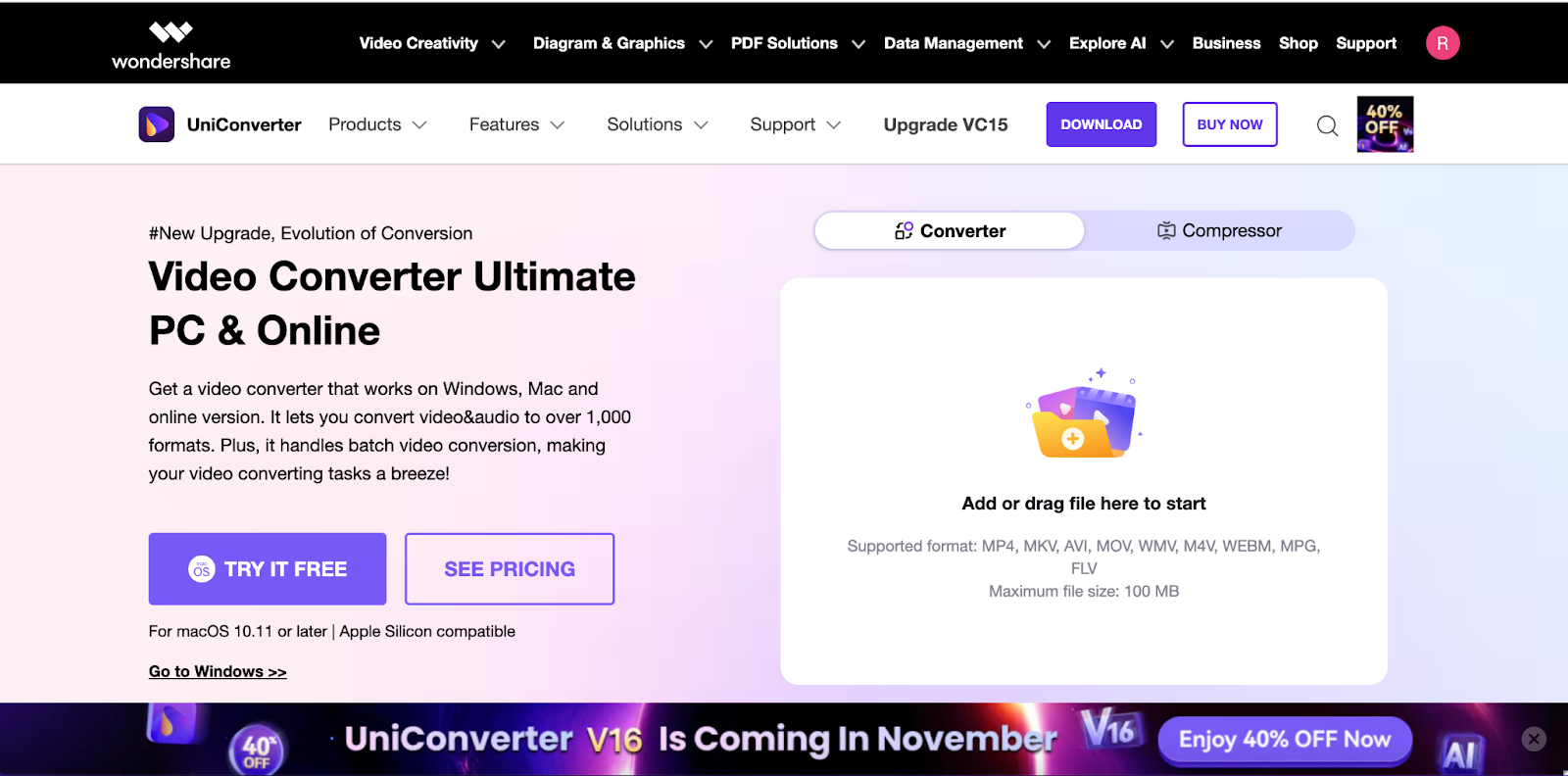
Steps to Convert DAT Files to MP4 with UniConverter
- Step 1: Install and Open UniConverter: Download UniConverter from the official website, install it, and open the program.

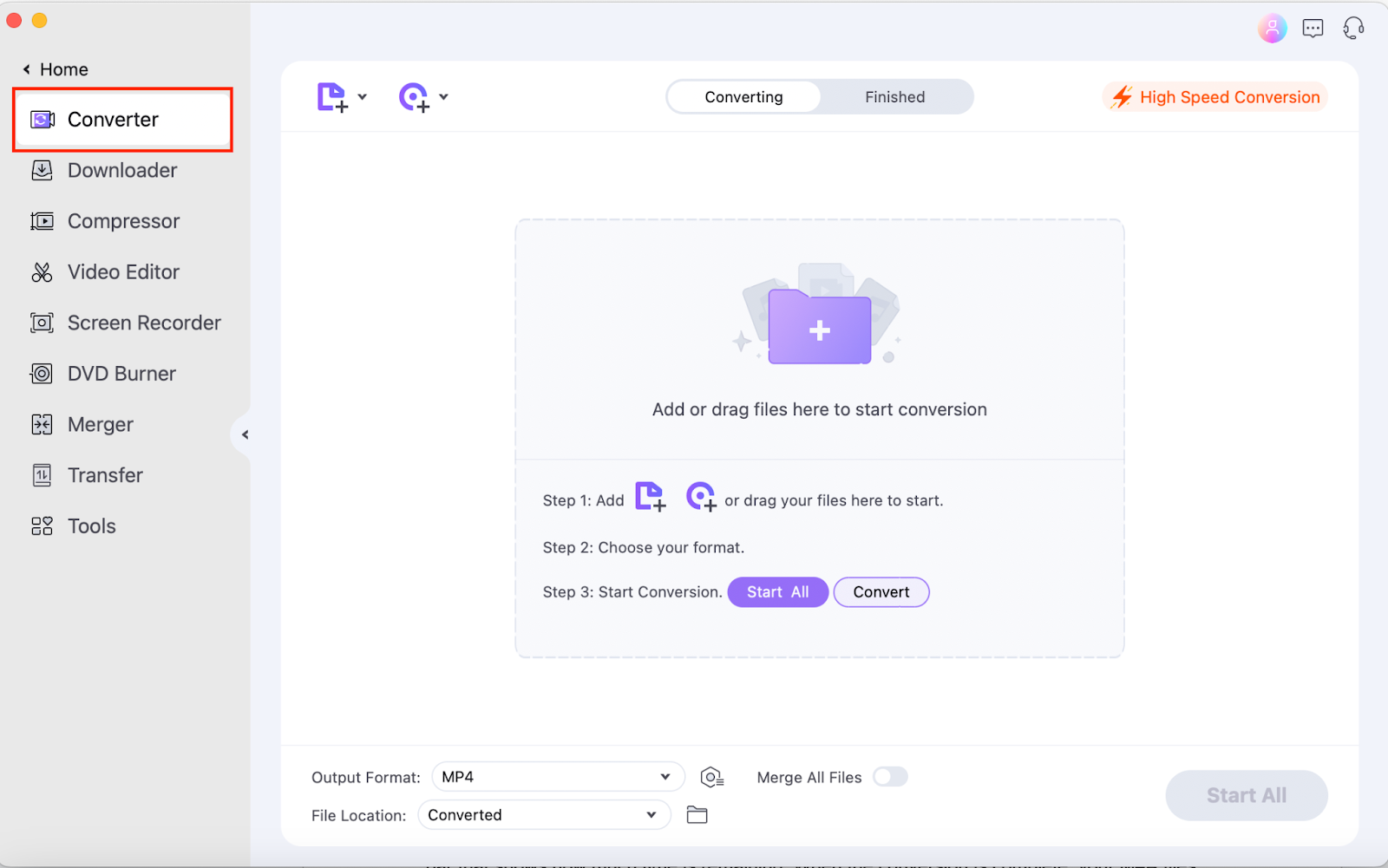
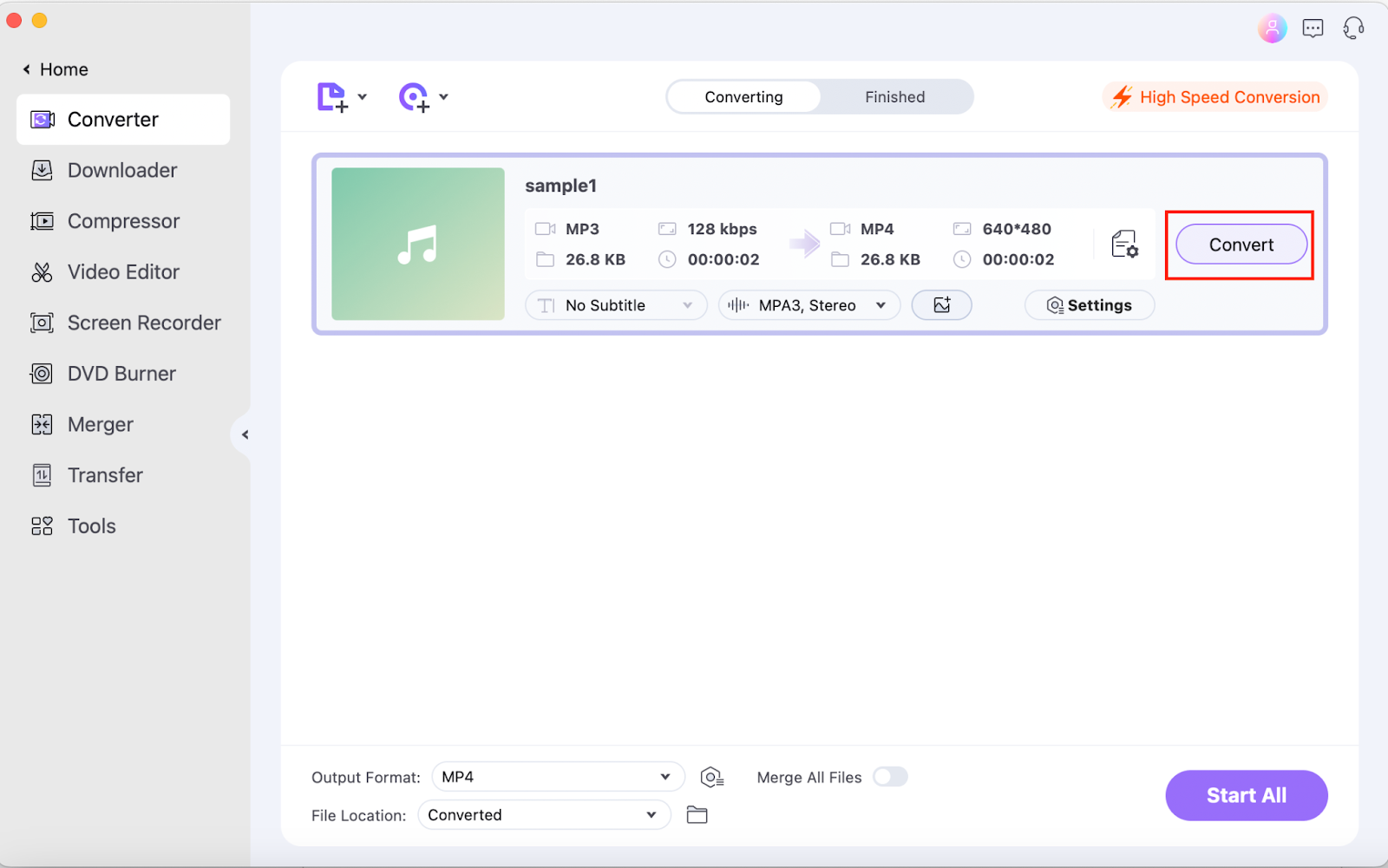
- Step 2: Add DAT Files and Select MP4 Format: Click “Add Files” to import your DAT files. Then, in the “Output Format” section, choose MP4 as your target format.
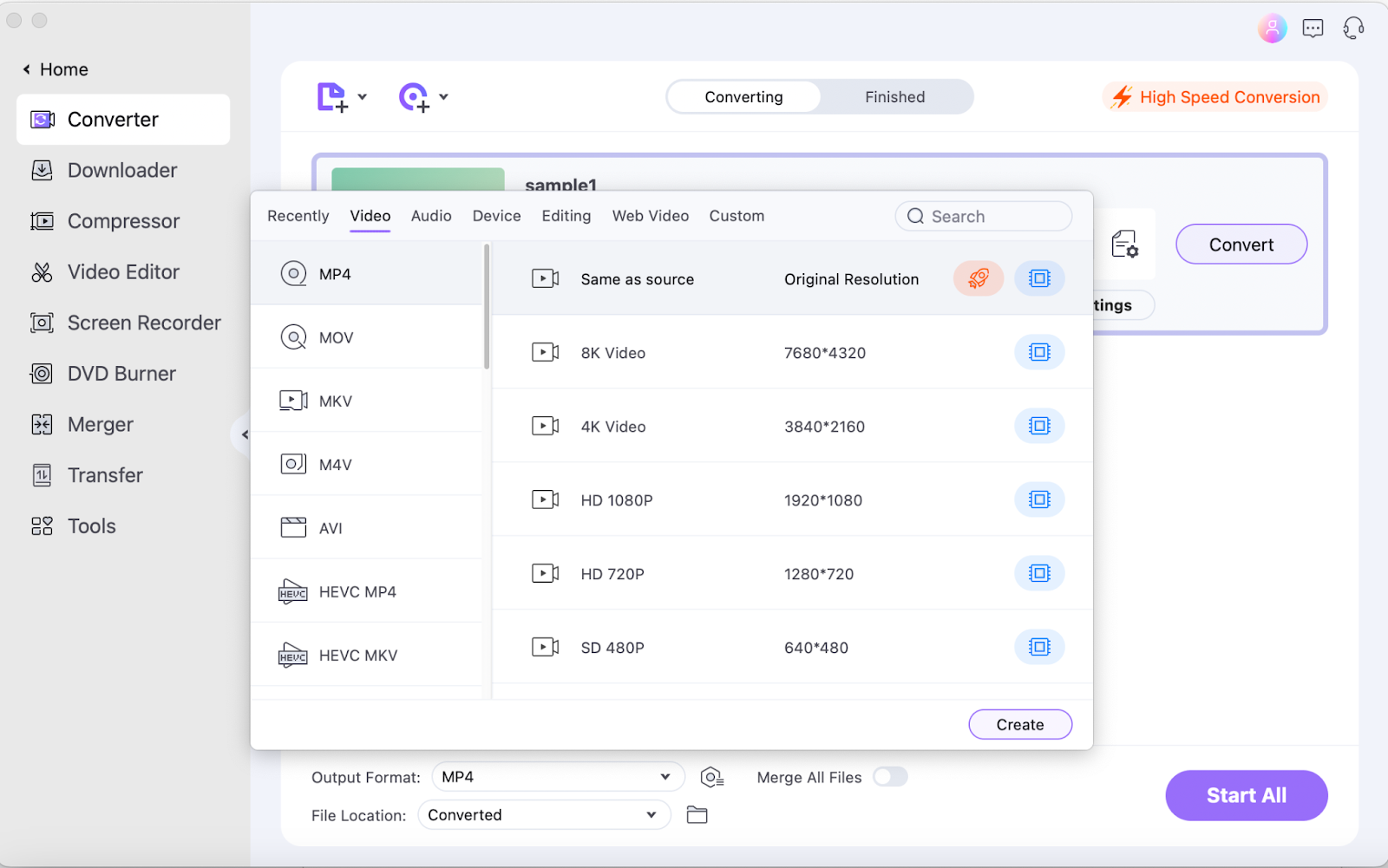
- Step 3: Convert to MP4: Click “Convert” to start the conversion. The DAT files will be saved as MP4 in the specified output folder when complete.
Key Benefits of UniConverter for DAT to MP4 Conversion
- Batch Processing: Convert multiple DAT files to MP4 simultaneously.
- High-Quality Output: Maintains the original quality even after conversion.
- Easy-to-Use Interface: A beginner-friendly layout makes navigation easy.
- Editing Features: Trim, crop, and add effects before converting.
UniConverter’s professional-grade features make it the best choice for high-quality, efficient DAT to MP4 conversion.
Method 2: Online DAT to MP4 Converters
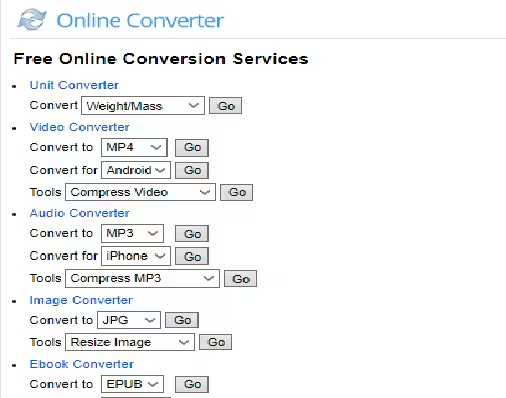
If you’re looking for a no-download option, online converters are a great choice for occasional use. Online Video Converter is one of the most popular online tools to convert DAT format to MP4.

Steps to Convert DAT to MP4 Using Online Video Converter
- Step 1: Go to the Online Video Converter Website
Open your preferred browser and visit the Online Video Converter site. - Step 2: Upload Your DAT File
Click “Choose File” to upload your DAT file from your device. - Step 3: Select MP4 as Output Format
From the list of available formats, select MP4. - Step 4: Convert and Download
Click “Start” to initiate the conversion. Once complete, download the MP4 file to your device.
Pros and Cons of Online Converters
Pros:
- Free to use for smaller files.
- Accessible from any device with internet access.
Cons:
- Limited file size and conversion speed.
- Quality and security concerns for sensitive files.
Online Video Converter is a convenient option for quick, simple conversions but may lack the quality and features of a dedicated software like UniConverter.
Method 3: Converting DAT to MP4 with VLC Media Player
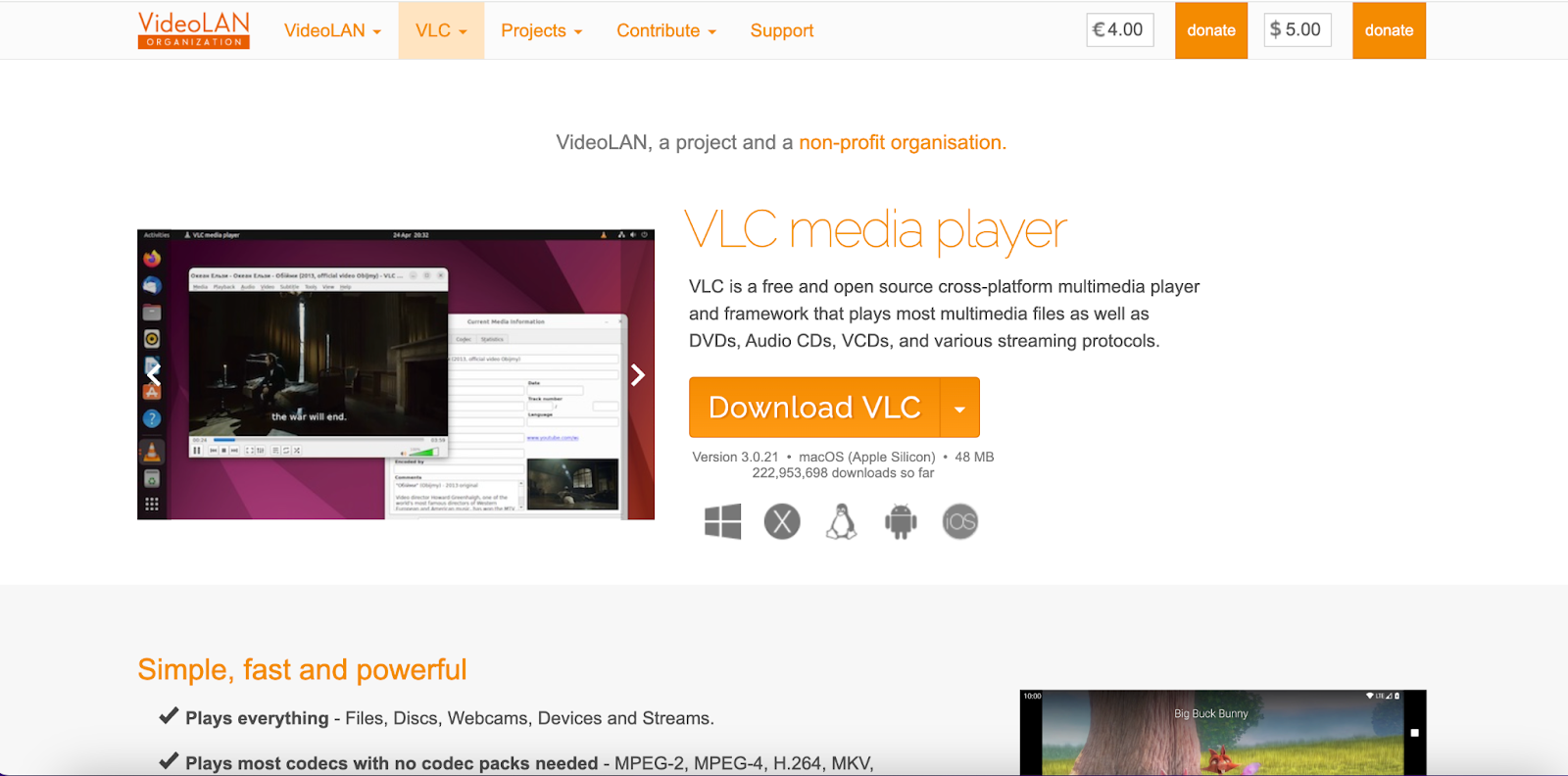
VLC Media Player is a well-known media player that also has built-in conversion features. If you already have VLC installed, you can use it to change DAT files to MP4 without additional software.
Steps to Convert DAT to MP4 Using VLC
- Step 1: Open VLC Media Player
Launch VLC and go to “Media” > “Convert/Save.” - Step 2: Add DAT File
In the File tab, click “Add” and select your DAT file. - Step 3: Choose MP4 as Output Format
Under “Profile,” select MP4 as the output format. - Step 4: Start Conversion
Click “Start” to begin the conversion. VLC will save the converted MP4 file in your designated output folder.
Pros and Cons of VLC
Pros:
- Free and widely accessible.
- Supports multiple formats.
Cons:
- Limited customization options.
- Slower conversion speeds.
Using VLC is a good alternative for users who need a free, straightforward solution without any additional software.
Method 4: Converting DAT to MP4 with FFmpeg
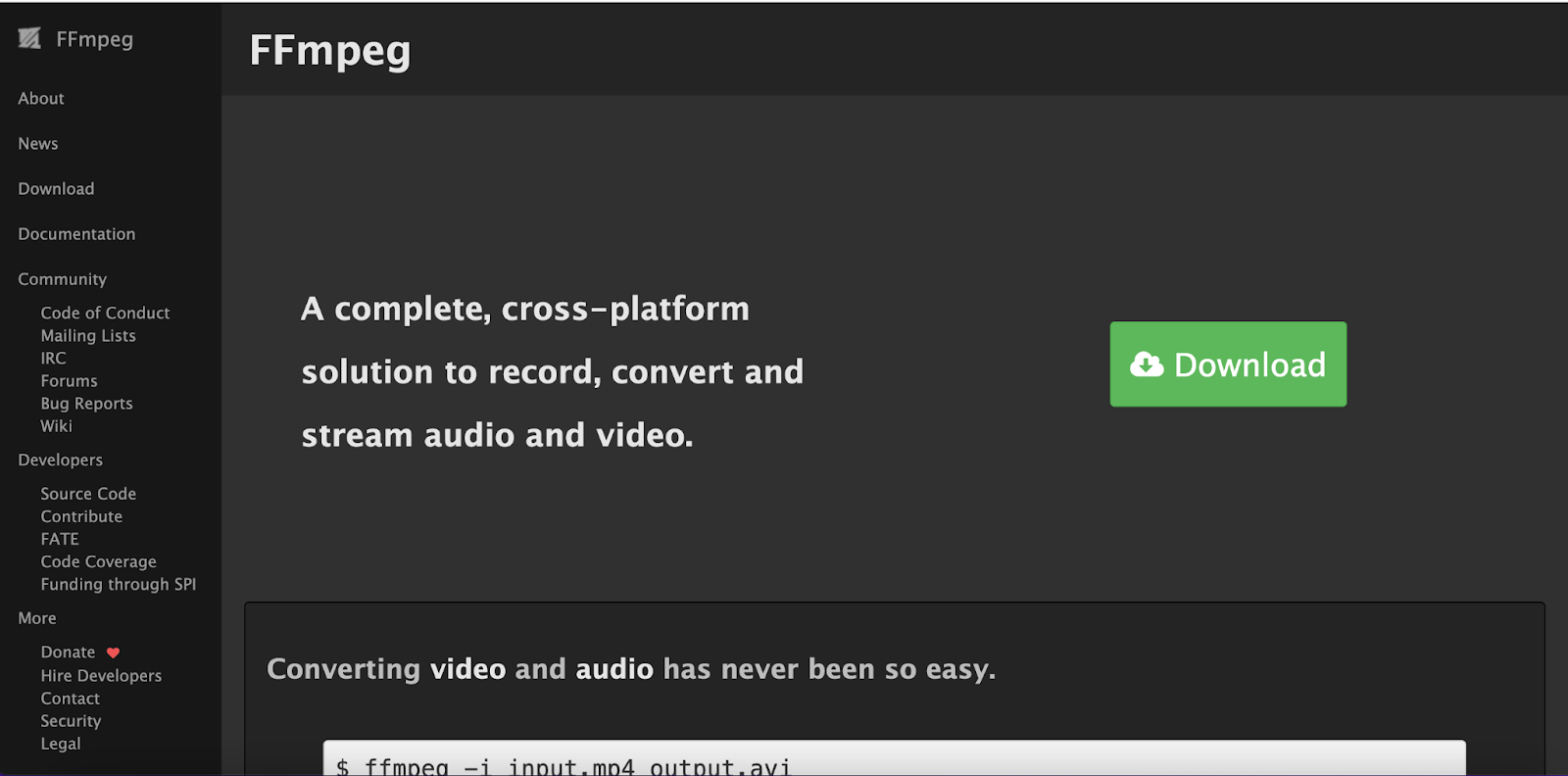
FFmpeg is a command-line tool that’s very powerful for handling multimedia files, offering full control over the conversion process. Although it requires some technical knowledge, FFmpeg is highly customizable and allows advanced users to convert DAT to MP4 with specific parameters.
Steps to Convert DAT to MP4 Using FFmpeg
- Step 1: Install FFmpeg
Download and install FFmpeg from its official website. Ensure it’s added to your system’s PATH for easy access. - Step 2: Open Command Prompt or Terminal
Open Command Prompt (Windows) or Terminal (Mac/Linux) to enter commands.
Step 3: Enter Conversion Command
Type the following command:
css
Copy code
ffmpeg -i input.dat -c:v libx264 -c:a aac output.mp4
- Replace input.dat with your DAT file’s path and output.mp4 with your desired output location.
- Step 4: Execute and Wait for Conversion
Press “Enter” to execute the command. FFmpeg will convert the DAT file to MP4 with the specified settings.
Pros and Cons of FFmpeg
Pros:
- Highly customizable and flexible.
- Supports batch processing and complex conversions.
Cons:
- Steeper learning curve for beginners.
- Requires technical knowledge of command-line interface.
FFmpeg is an excellent choice for advanced users who want precise control over their conversions but may be challenging for beginners.
Tips for Choosing the Right DAT to MP4 Converter
- Ease of Use: For beginners, tools with a graphical interface like Wondershare UniConverter are generally more intuitive.
- Conversion Quality: Consider the quality of the output file. UniConverter and FFmpeg are known for maintaining high quality, while some online tools may reduce quality.
- File Size Limits: Online tools may restrict file sizes, so for larger files, desktop tools like UniConverter or VLC are more suitable.
- Batch Processing: If you have multiple DAT files, look for a tool that supports batch processing to save time.
Conclusion
Converting DAT files to MP4 allows for easier playback and broader compatibility across devices and media players. Whether you choose Wondershare UniConverter, VLC, FFmpeg, or an online converter, each method has unique advantages. Wondershare UniConverter offers a balance of quality, speed, and ease of use, making it an ideal choice for users at all experience levels. Try out these methods and enjoy seamless playback of your converted MP4 files on any device!