


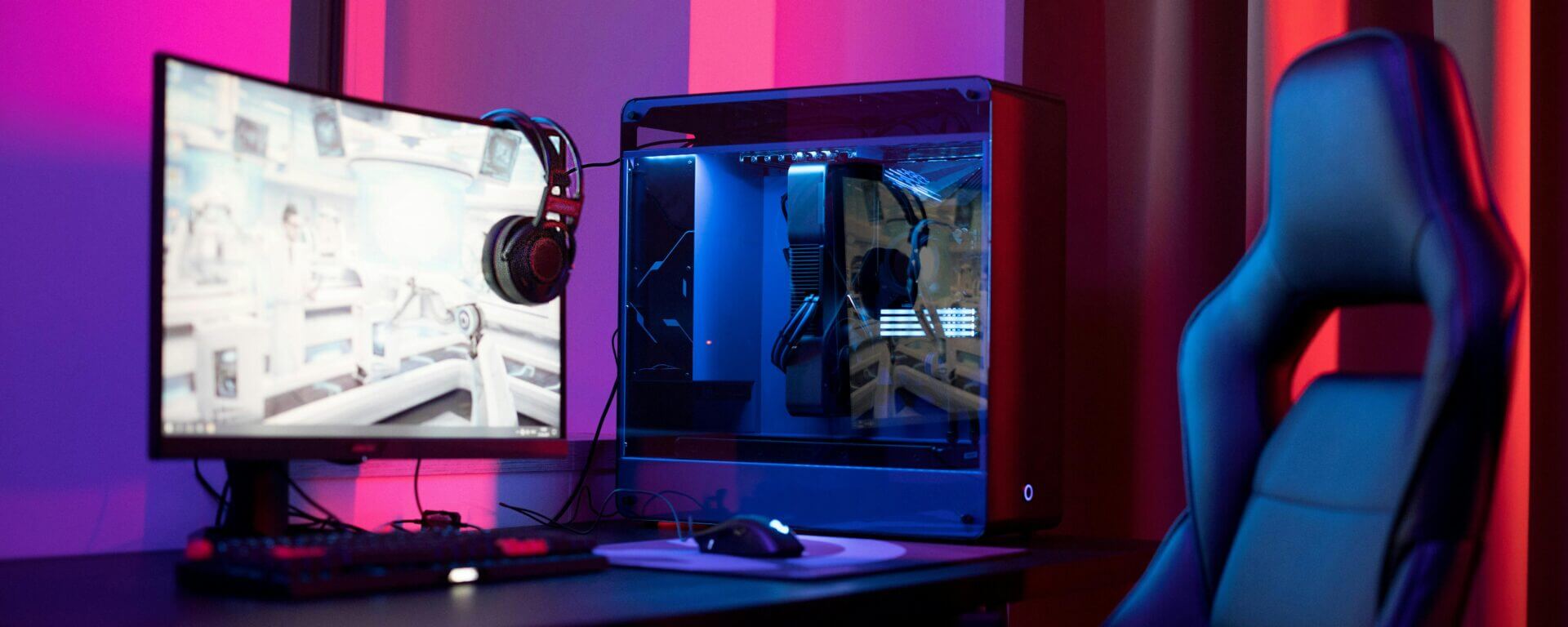
Building a high-performance PC is an exciting endeavor that allows you to tailor your system to your specific needs, whether you’re gaming, working with resource-intensive applications, or both. Unlike prebuilt systems, a custom PC gives you control over every component like GPU, CPU and APU, ensuring optimal performance and value for your investment. This guide will walk you through the process of building a PC that meets your requirements.
Step 1: Define Your Purpose
Before diving into hardware selections, it’s crucial to define your PC’s primary use. Gaming PCs require robust GPUs (graphics processing units), while workstations for tasks like video editing or 3D rendering benefit from powerful CPUs (central processing units) and ample RAM. For versatile systems, a balance between gaming and productivity components is essential.
Key Questions to Ask:
- Will this PC be primarily for gaming, productivity, or both?
- What software or games will you use, and what are their hardware requirements?
- What’s your budget?
Step 2: Choose Your Components
1. CPU (Processor)
The CPU is the brain of your PC, handling all the computations. For gaming, a high clock speed is crucial, while productivity tasks benefit from more cores and threads.
- Gaming: AMD Ryzen 5/7 or Intel Core i5/i7 CPUs are excellent choices.
- Productivity: Consider AMD Ryzen 9 or Intel Core i9 for demanding workloads like 3D rendering or video editing.
2. GPU (Graphics Card)
The GPU is vital for gaming and graphical tasks. For gaming, prioritize a powerful GPU to ensure smooth performance at high resolutions and refresh rates. For productivity, a workstation GPU may be necessary for specific applications.
- Gaming GPUs: NVIDIA GeForce RTX 4060, 4070, or higher; AMD Radeon RX 7000 series.
- Workstation GPUs: NVIDIA Quadro or AMD Radeon Pro for professional tasks.
3. Motherboard
The motherboard connects all your components. Ensure compatibility with your CPU and other parts. Look for features like Wi-Fi, Bluetooth, and enough ports for your peripherals.
- Brands like ASUS, MSI, and Gigabyte offer reliable options.
- Select a motherboard with the appropriate chipset (e.g., AMD B550/X570 or Intel Z790).
4. Memory (RAM)
RAM impacts multitasking and system responsiveness. Most modern PCs benefit from at least 16GB, but high-performance systems may require 32GB or more.
- Gaming: 16GB (DDR4 or DDR5, 3200-3600 MHz).
- Productivity: 32GB or higher for video editing, 3D rendering, or heavy multitasking.
5. Storage
Fast and ample storage ensures quick load times and sufficient space for your files.
- SSD (Solid State Drive): Use an NVMe M.2 SSD (e.g., 1TB) for your operating system and frequently used applications.
- HDD (Hard Disk Drive): Add a large-capacity HDD (e.g., 2TB or 4TB) for storing media or archives.
6. Power Supply Unit (PSU)
The PSU provides power to your components. Choose a unit with sufficient wattage and an 80 PLUS certification for efficiency.
- Use a PSU wattage calculator to determine your needs.
- Look for modular PSUs to reduce cable clutter.
7. Case
The PC case houses all your components. Choose a case that matches your aesthetic preferences, offers good airflow, and fits your components comfortably.
- Popular options include NZXT, Corsair, and Fractal Design.
- Ensure compatibility with your motherboard size (ATX, Micro-ATX, Mini-ITX).
8. Cooling System
High-performance systems generate heat, so effective cooling is crucial.
- Air Cooling: Tower coolers like the Noctua NH-D15 or be quiet! Dark Rock Pro are excellent.
- Liquid Cooling: For advanced systems, consider an all-in-one (AIO) liquid cooler.
- Ensure your case has adequate airflow with quality fans.
9. Peripherals
Depending on your use case, you may need high-quality monitors, keyboards, mice, and headphones.
- Gaming Monitors: Look for high refresh rates (144Hz or higher) and low response times.
- Productivity Monitors: Ultrawide or 4K monitors enhance productivity.
Step 3: Assemble Your PC
Building your PC is a step-by-step process that requires patience and precision. Here’s a general outline:
- Prepare Your Workspace: Ensure a clean, static-free environment. Use an anti-static wrist strap if possible.
- Install the CPU: Carefully insert the CPU into the motherboard socket and secure it.
- Install RAM: Align the RAM sticks with the slots and press them in until they click.
- Install the Motherboard: Mount the motherboard in the case using the provided screws.
- Install Storage: Attach SSDs and HDDs to their respective mounts.
- Install the PSU: Secure the PSU in its compartment and connect the necessary cables.
- Install the GPU: Insert the GPU into the PCIe slot and secure it with screws.
- Connect Cables: Connect power cables, SATA cables, and front panel connectors.
- Install Cooling: Attach air or liquid coolers and ensure proper thermal paste application.
- Test Your System: Before closing the case, connect your monitor and power on the system to check if everything works.
Step 4: Install the Operating System and Drivers
Once your PC is assembled and functional, install your operating system (e.g., Windows or Linux). After installation, download and install the latest drivers for your GPU, motherboard, and peripherals.
Step 5: Optimize Performance
1. BIOS Settings
Update your motherboard’s BIOS and enable features like XMP (Extreme Memory Profile) to ensure your RAM runs at its rated speed.
2. Overclocking
If you want to extract extra performance, consider overclocking your CPU and GPU. Ensure adequate cooling and proceed cautiously to avoid stability issues.
3. Cable Management
Tidy up your cables to improve airflow and aesthetics. Use zip ties and routing channels in your case.
Step 6: Maintain Your PC
To ensure your PC remains in peak condition, regular maintenance is essential:
- Dust Removal: Clean your PC every few months using compressed air.
- Software Updates: Keep your operating system, drivers, and applications updated.
- Monitor Temperatures: Use software like HWMonitor to track CPU and GPU temperatures.
- Replace Thermal Paste: Reapply thermal paste every few years to maintain effective cooling.
Conclusion
Building a high-performance PC for gaming or work is a rewarding experience that offers unparalleled customization and performance. By carefully selecting components, assembling them with precision, and maintaining your system, you can create a PC that handles any challenge you throw at it. Whether you’re dominating in the latest AAA games or rendering complex 3D models, your custom PC will be a reliable powerhouse tailored to your needs.